335
19. Remote Control
The NetProbe 2000 has an integrated VNC server and can be controlled from a VNC Client application. Remote Control
uses the Ethernet 10/100Base-T LAN or WiFi interface. Use this function to operate your NetProbe over any internet
connection.
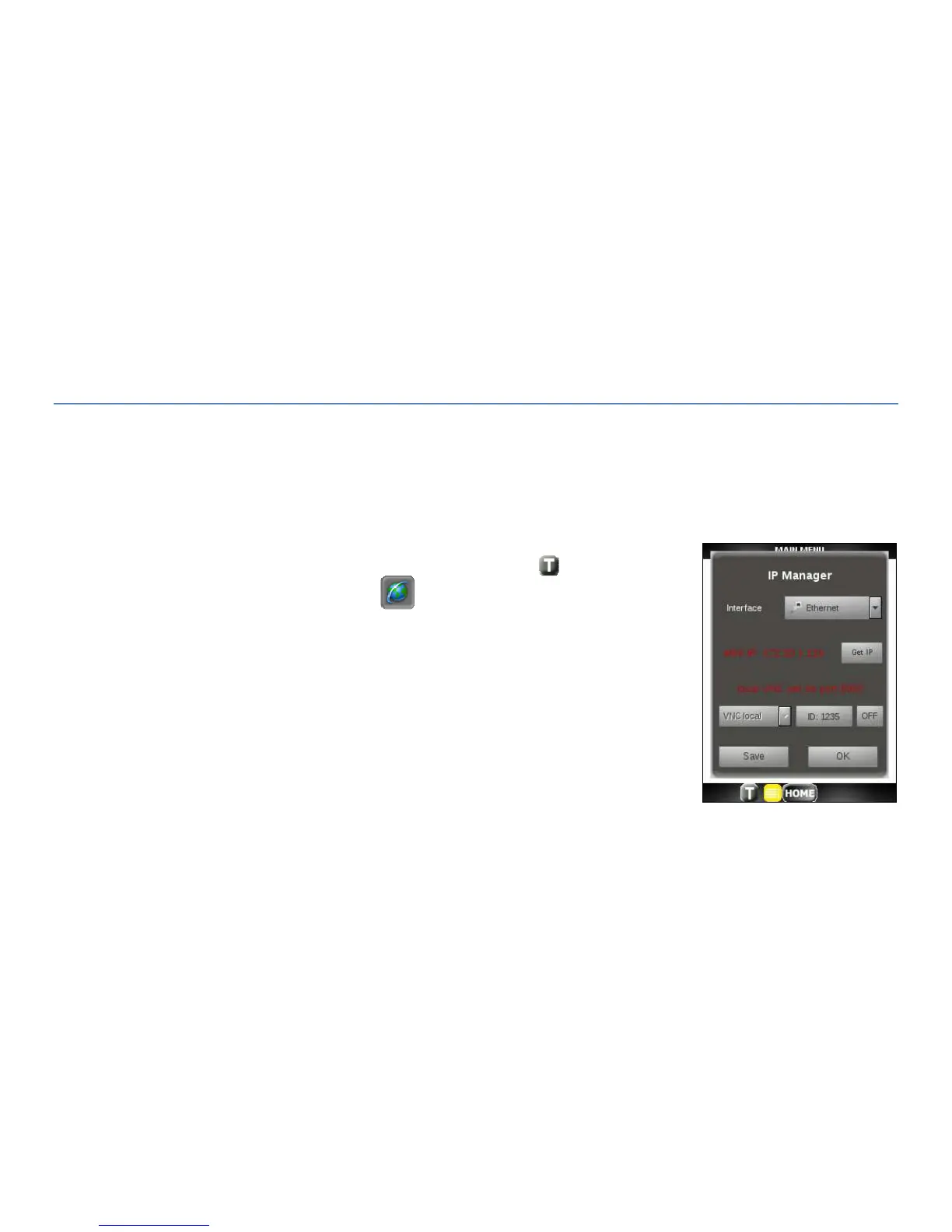
Follow the steps below to start Remote Control on the NetProbe:
1. Tap on the Toolbar icon at the bottom of the display.
2. Tap on the Globe toolbar icon.
3. Turn either eth0 or wlan0 ON (green).
4. Get IP Address. Reference Chapter 14 – Acquiring an IP Address. Note this
IP address and Port Number as it will be require by the VNC client.
5. Select VNC local for remote for remote control within the same LAN or
VNC global for an outside network.
6. The default ID (password for the Client) is 1234. To change it, click on it
and select another number from the available list.



 To Next Page