336
Follow the steps below to establish a VNC Client:
1. Install free, open source VNC from this location:
http://www.realvnc.com/download/viewer/
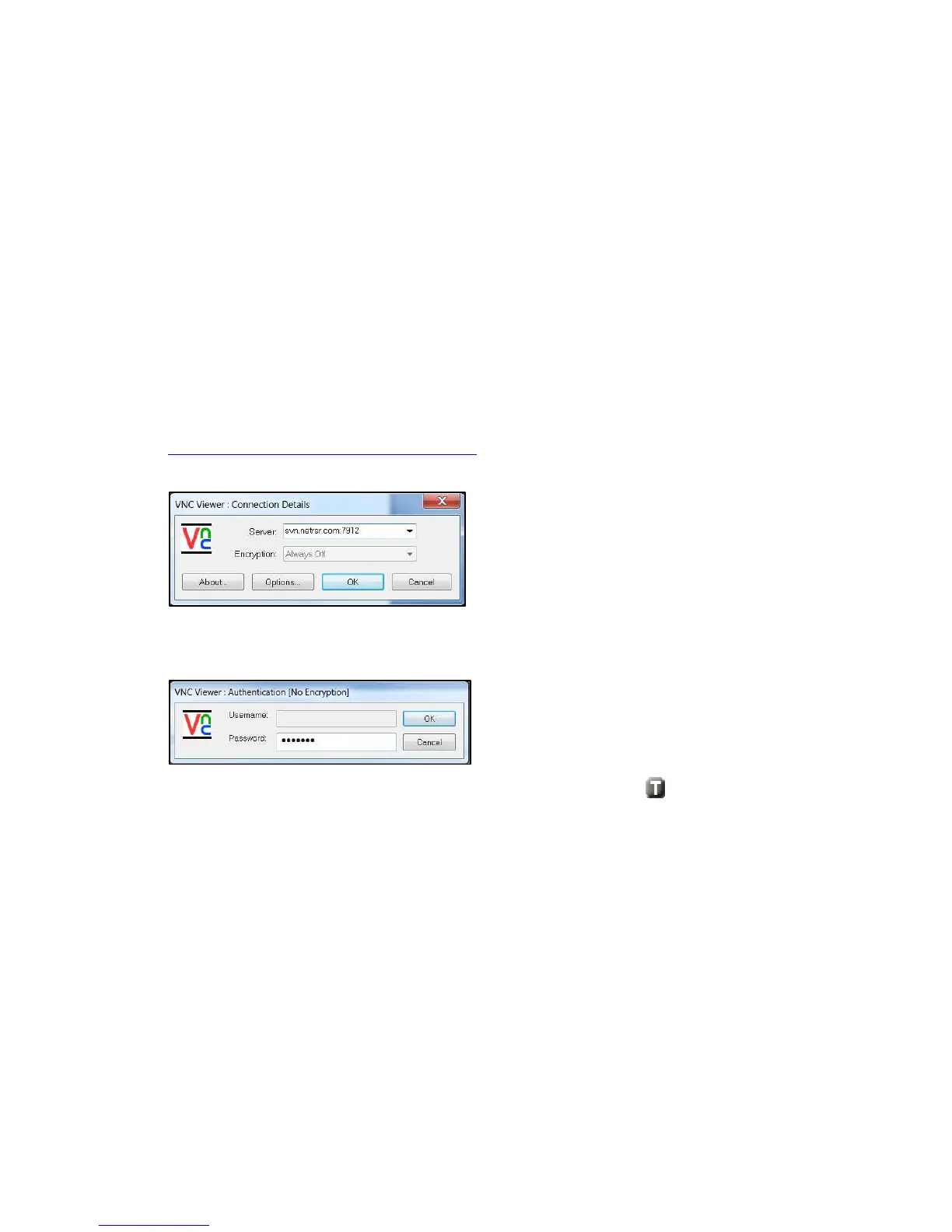
2. Run the VNC client. The Client logon window is shown below.
3. Enter the Server name or IP address and enter OK.
4. Enter the password in the authentication window.
5. The VNC application should be connected to the NetProbe now. Tap .



 To Next Page