253
Message capturing
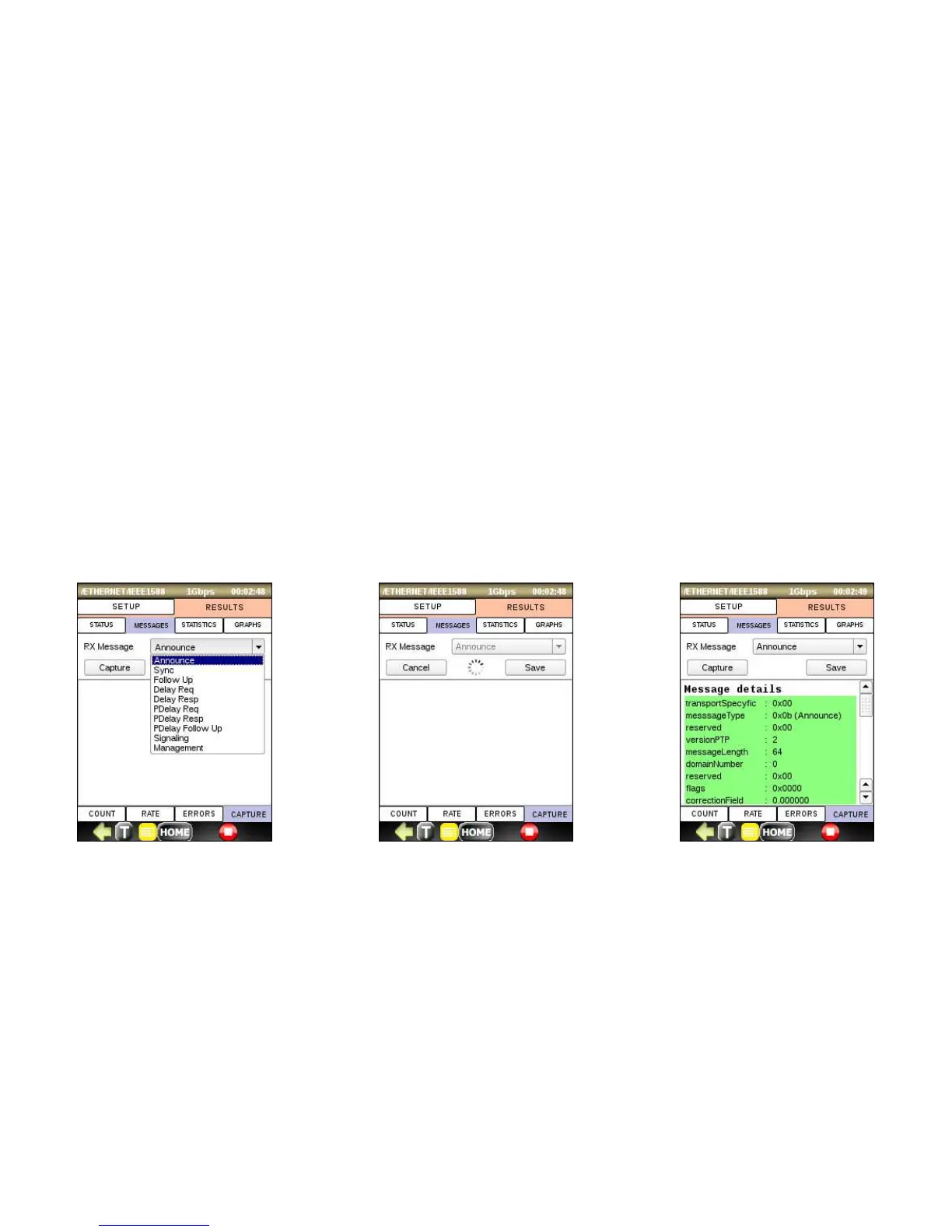
The IEEE1588 function can be used to capture and decode PTP messages. To capture a message, select the desired
message type from the drop-down list and click Capture. The Busy icon indicates that device is waiting for the
specified message. After receiving a first message of the desired type, the capturing process stops and the message
details are displayed. You can save the captured message and export it along with the test results (see section 4.4).
If scanning process doesn’t find the desired message, you can interrupt it by pressing Cancel button.



 To Next Page