19
4.1.3 Front Control Panel
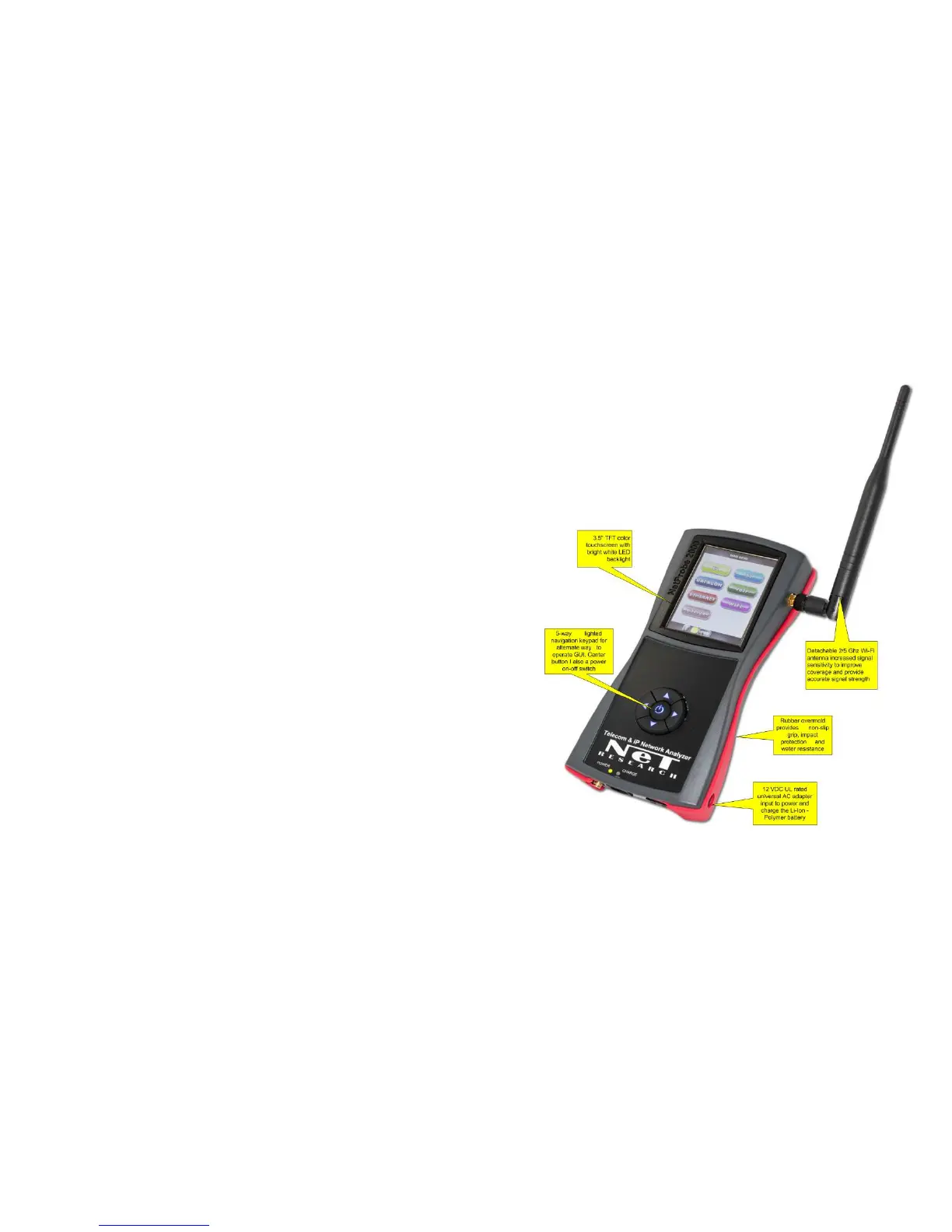
The front Control Panel accommodates a 3.5” LCD touchscreen and
the 5- way navigation switch assembly.
The 4 arrows of navigation switch allow an alternate way to control
the cursor position and the OK button selects the item pointed by
the cursor on the LCD display.
Additionally, the OK button serves as a power ON/OFF button.
Pressing the OK button for at least 2 seconds turns power ON;
pressing it again for 3 seconds opens a menu that allows the user to
turn power OFF. Optional Power OFF is accomplished via the
Toolbar Soft Power button, which shuts down all processes and
powers down the tester.
Alternatively, hardware Power OFF can also be accomplished by
holding down the OK button for 60 seconds.



 To Next Page