185
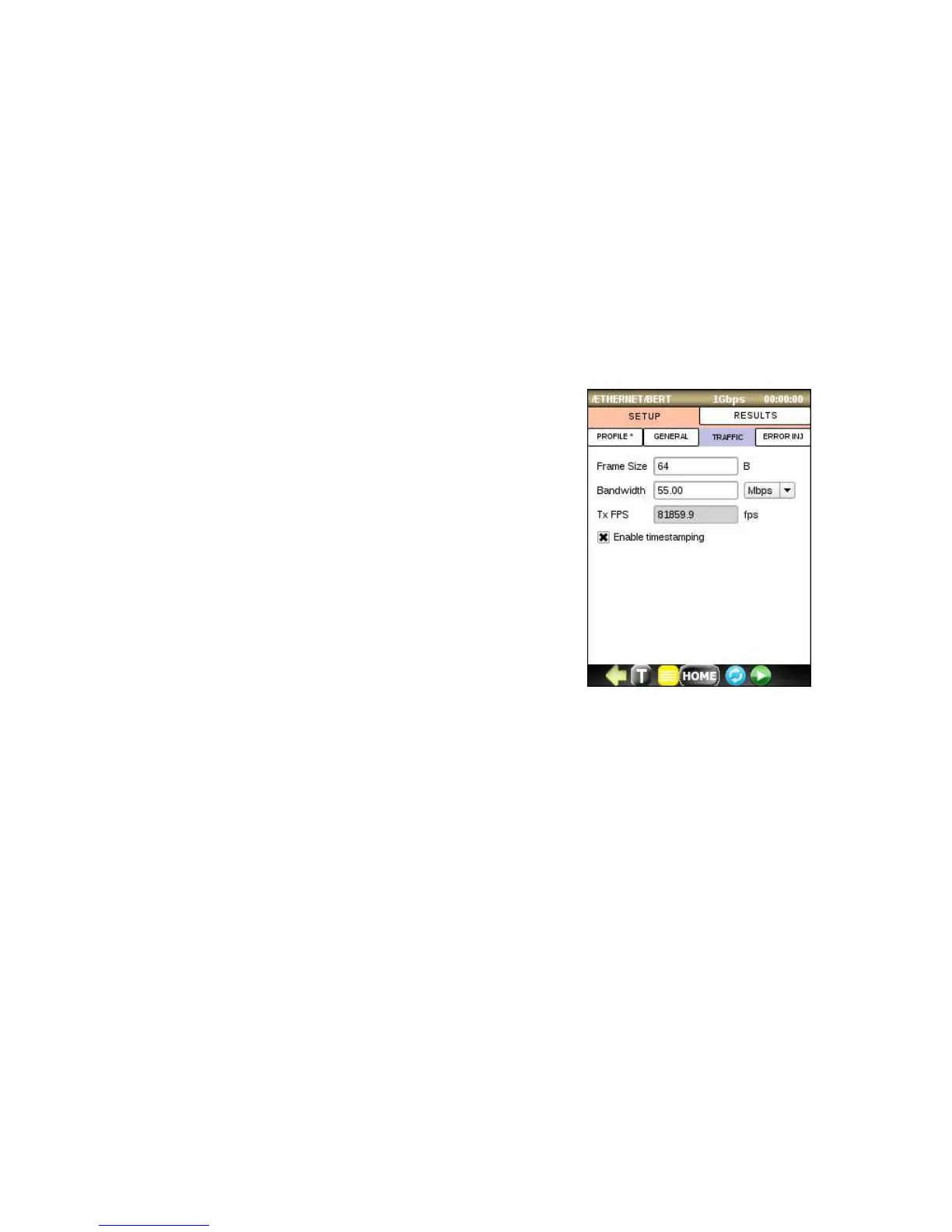
TRAFFIC menu
• Select Frame Size. You can enter a value from 64 to 9600 by
clicking on an entry box.
• Select desired Bandwidth in % or Mbps
• Tx FPS shows frame rate (frames per second) value for desired
bandwidth.
• Enable packet time-stamping if you want measure packet delay
and jitter. Note that it should be used only if there is a loopback
device at the far end. Don’t use time-stamping when you are
using BERT devices at both ends.



 To Next Page