284
15.5.3 Detailed Results
To see detailed results, the user should click on a specific node of the stream tree on the LIVE screen and then click on
the STATISTICS tab. For each PID and also for whole stream, detailed metrics and status information are presented on
three tabs labeled Stream Info (Basic,Advanced), QoS, Transport (Packets,TR101290 P1, TR101290 P2), Graphs.
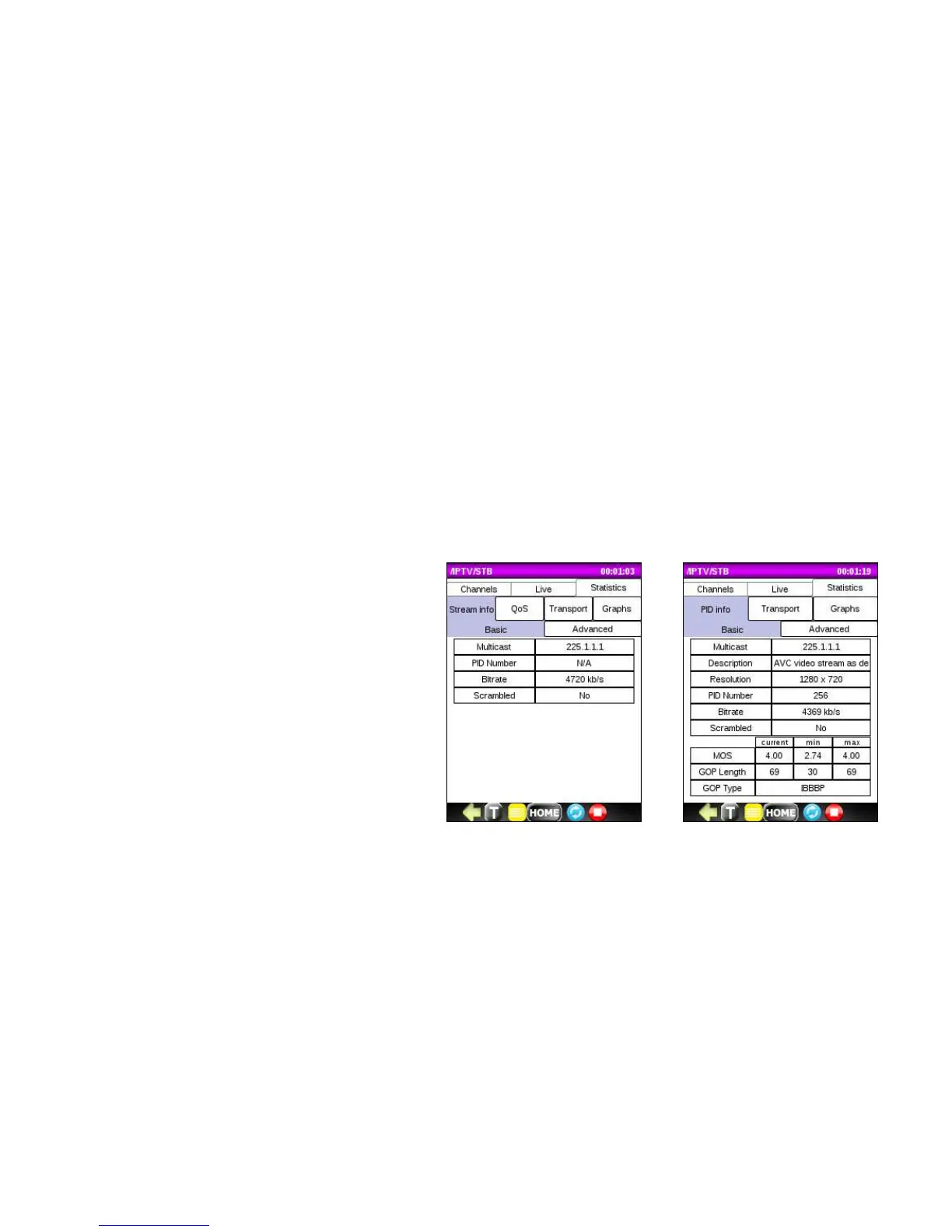
Stream Info Tab
Basic subtab provides information about the STREAM or PID within the STREAM including:
• Multicast address
• Description
• Resolution
• PID Number (if applicable)
• Bitrate
• Scrambled
• MOS (current, min, max)
• GOP Length (current, min, max)
• GOP Type



 To Next Page