167
12.4.1 Filter
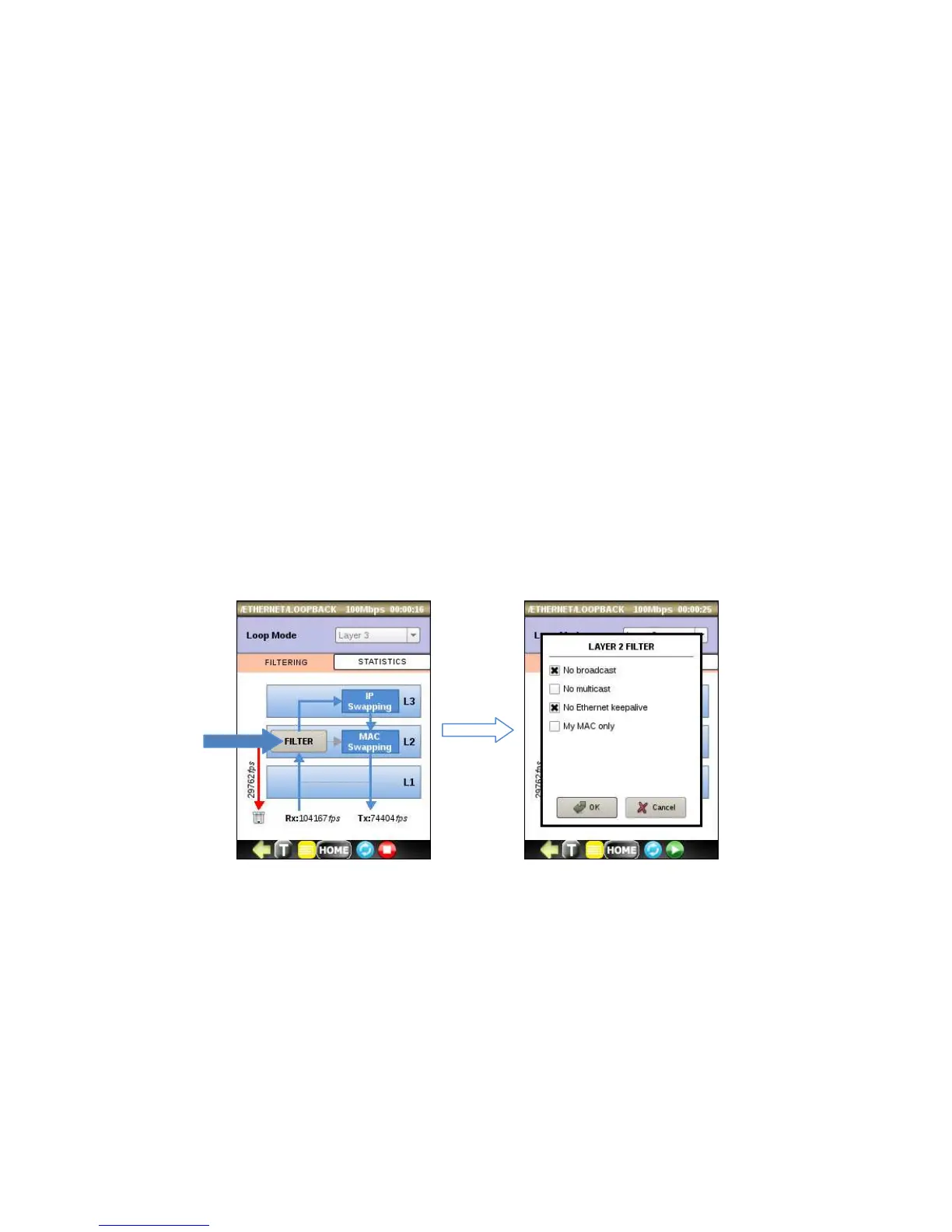
You may set filter for L2 by tapping the FILTER button. On displayed screen activate particular rule by checking it. Filter is
applicable for Layer 2 loop mode or higher and is bypassed after selecting Layer 1 loop mode.
• No broadcast – drop incoming broadcast frames (enabled by default).
• No multicast – drop incoming multicast frames (enabled by default).
• No Ethernet keep-alive – drop Ethernet diagnostic frames used in network equipment as mechanism to verify
whether a port is self-looped. In most cases you should keep this option checked.
• My MAC only – loop only frames that destination MAC address is equal to unit MAC address.



 To Next Page