90
6.7 DS0 Testing
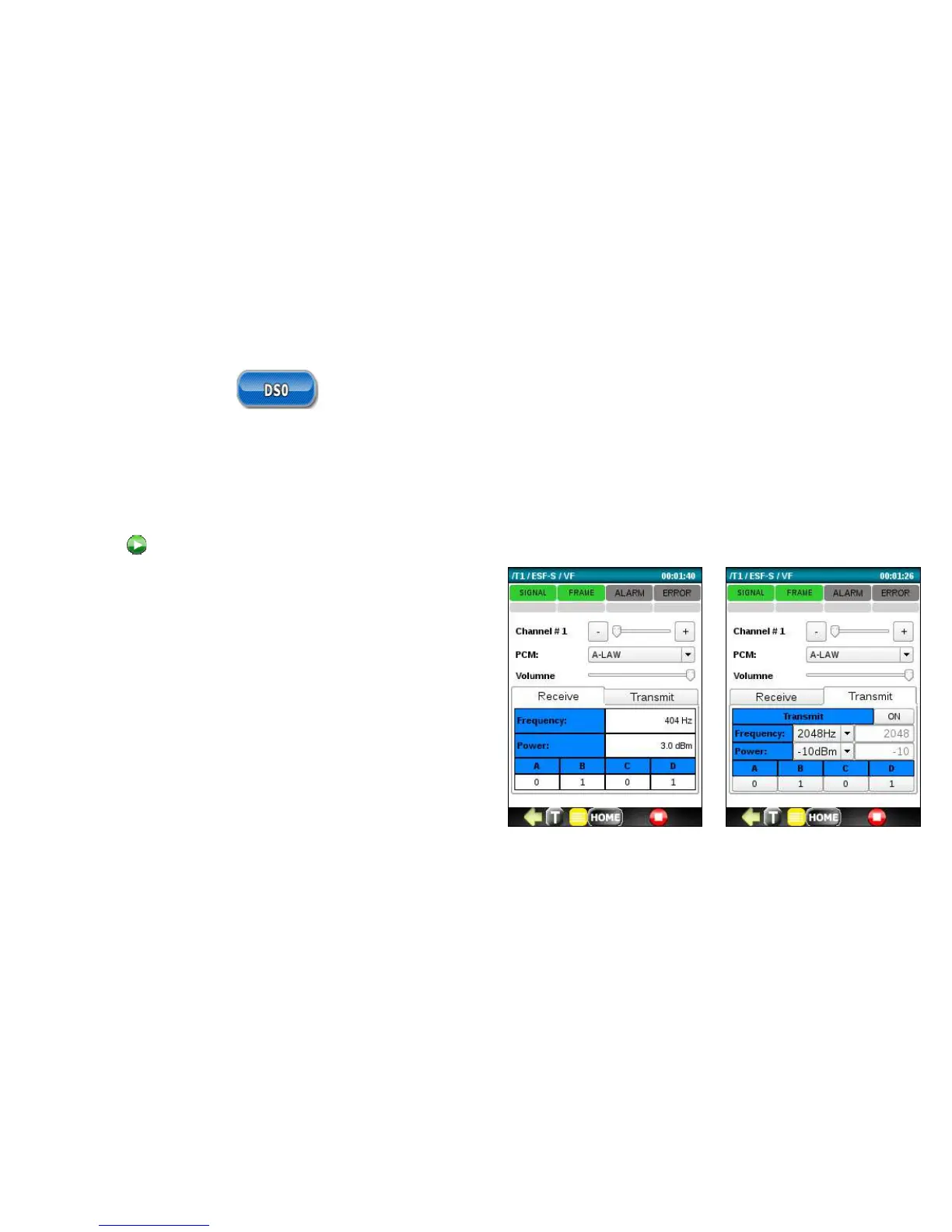
Run the DSO Testing application to measure the frequency and power of any received tones and monitor the ABCD bits
of a DSO sub channel. The application also allows you to listen to the audio in a timeslot using the supplied headset.
To run a DSO test, connect the T1 signal to be tested, select a timeslot number, select PCM Companding (u-Law/A-Law)
and press
to start a DSO test.
DS0 testing includes:
• Listening to any of the 24 DS0 Voice Channels using
the supplied headset.
• Measuring the frequency of the received signal. Test
tones are typically 404Hz, 1004Hz, and 1804Hz.
• Measuring the power (dBm) of the received test
tones. If the reading is not available, N/A will display.
• Reading the ABCD bits for the selected timeslot.
• Transmitting signal 300-3404Hz, -40.0-3.0dBm.
• Configuring ABCD bits for the selected timeslot.



 To Next Page