225
THROUGH Tab
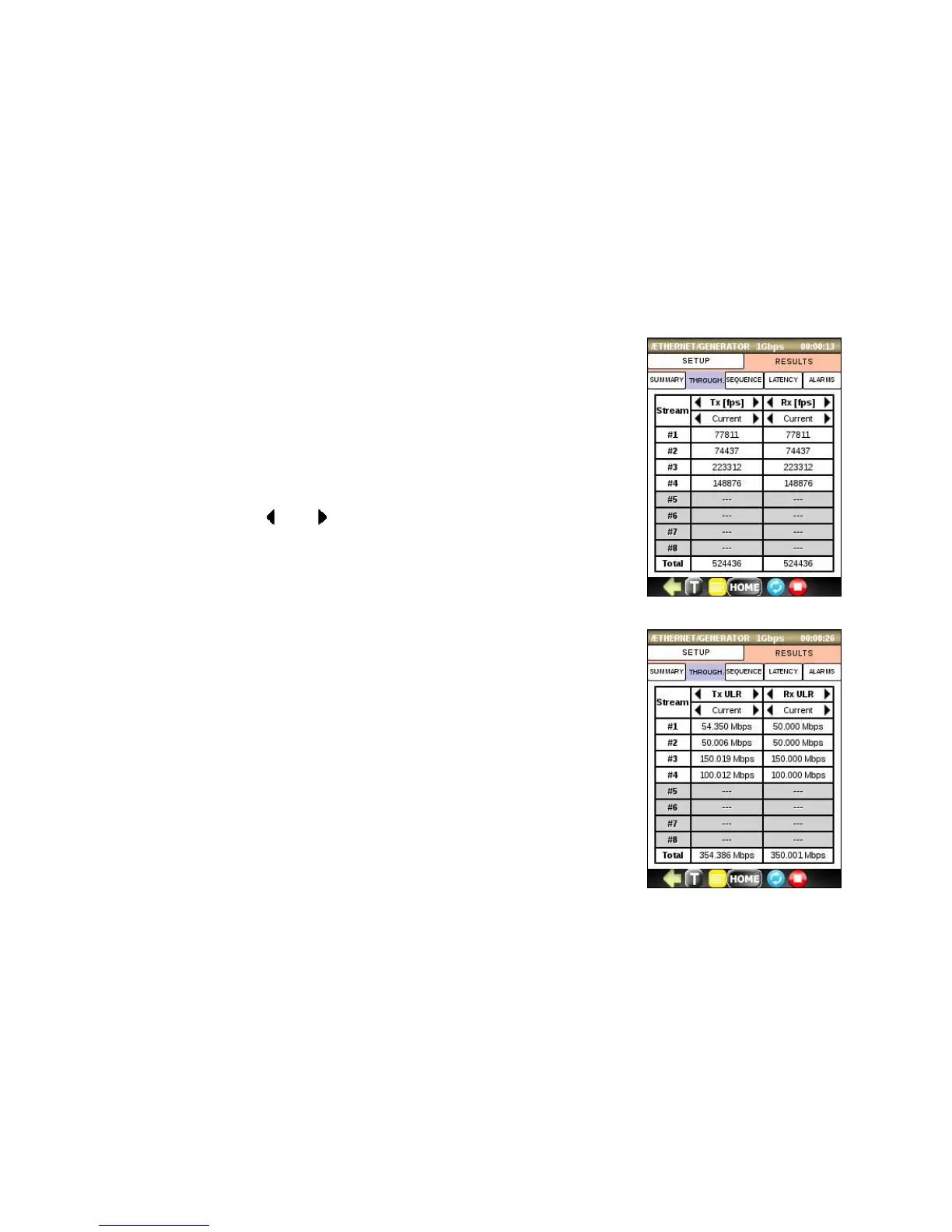
Click on this tab to display the transmit and receive rates for each stream. You can
specify the values to be displayed as line rate (URL – Utilized Line Rate) or in
Frames per Second (fps). Use and buttons to switch between the Minimum,
Maximum, Current and Average latency values.
• Current: displays the average throughput value of last second
• Average: displays the average throughput value since the beginning of the
test
• Minimum: displays the minimum throughput value since the beginning of
the test
• Maximum: display the maximum throughput value since beginning of the
test



 To Next Page