268
15.3 SETUP
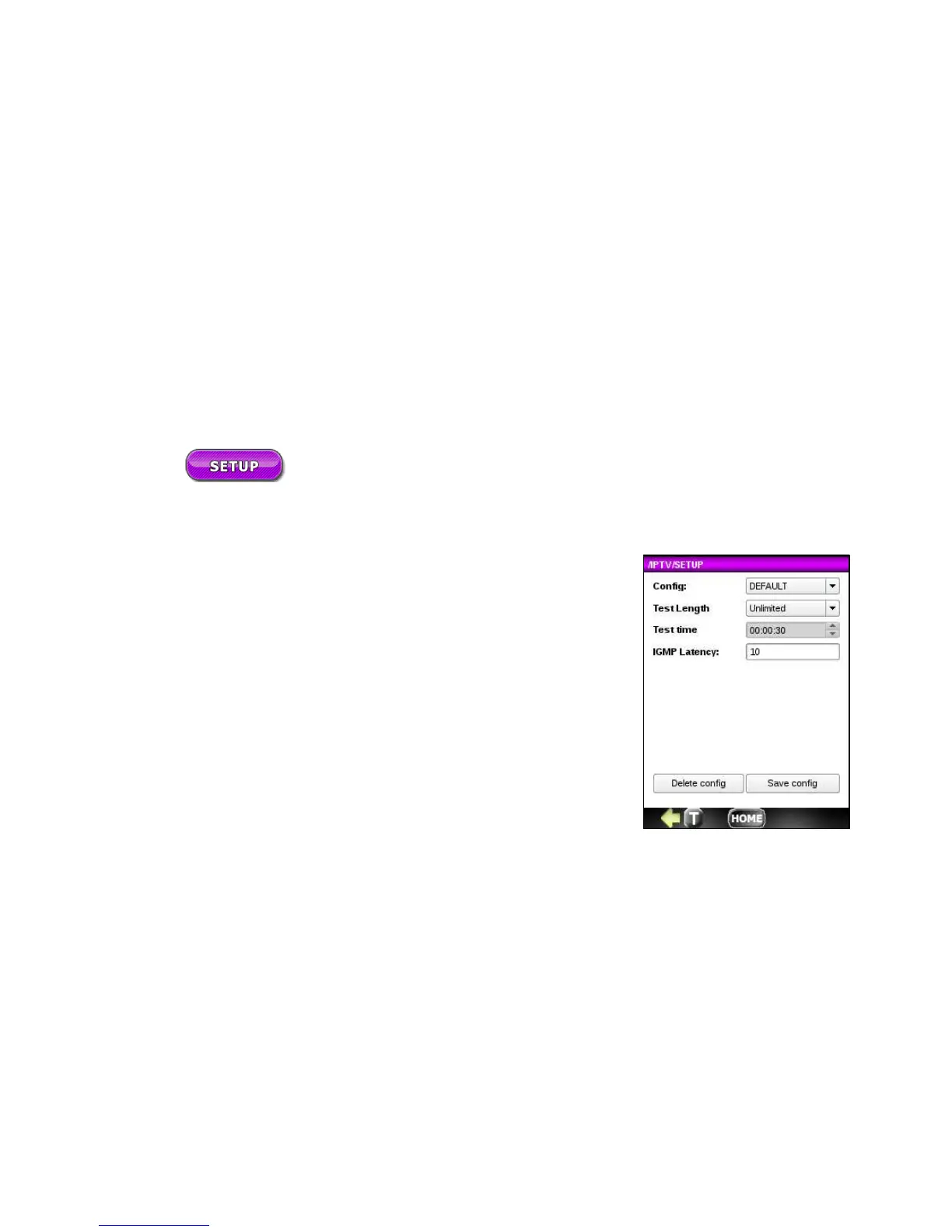
Configuring IPTV setup is simple.
1. Config: Choose a setup configuration from the list of previously saved
configs or leave the default.
2. Test Length: Select the duration for the test. Choices include 30 s, 1 min, 5
min, 10 min, 30 min, 1 h, 3 h, 6 h, 12 h, 1 day, 2 days, 3 days, User Def.
The default is Unlimited.
3. Test Time: If the Test Length is set to User Def, you can enter the test
time as hr:min:s.
4. IGMP Latency: Enter a value for the period of time (in milliseconds) for
the CHANNEL SCAN to send an IGMP JOIN request for each channel on
the CHANNEL LIST.
5. Save this configuration if desired.



 To Next Page