223
13.3.3 Running the Traffic Generator
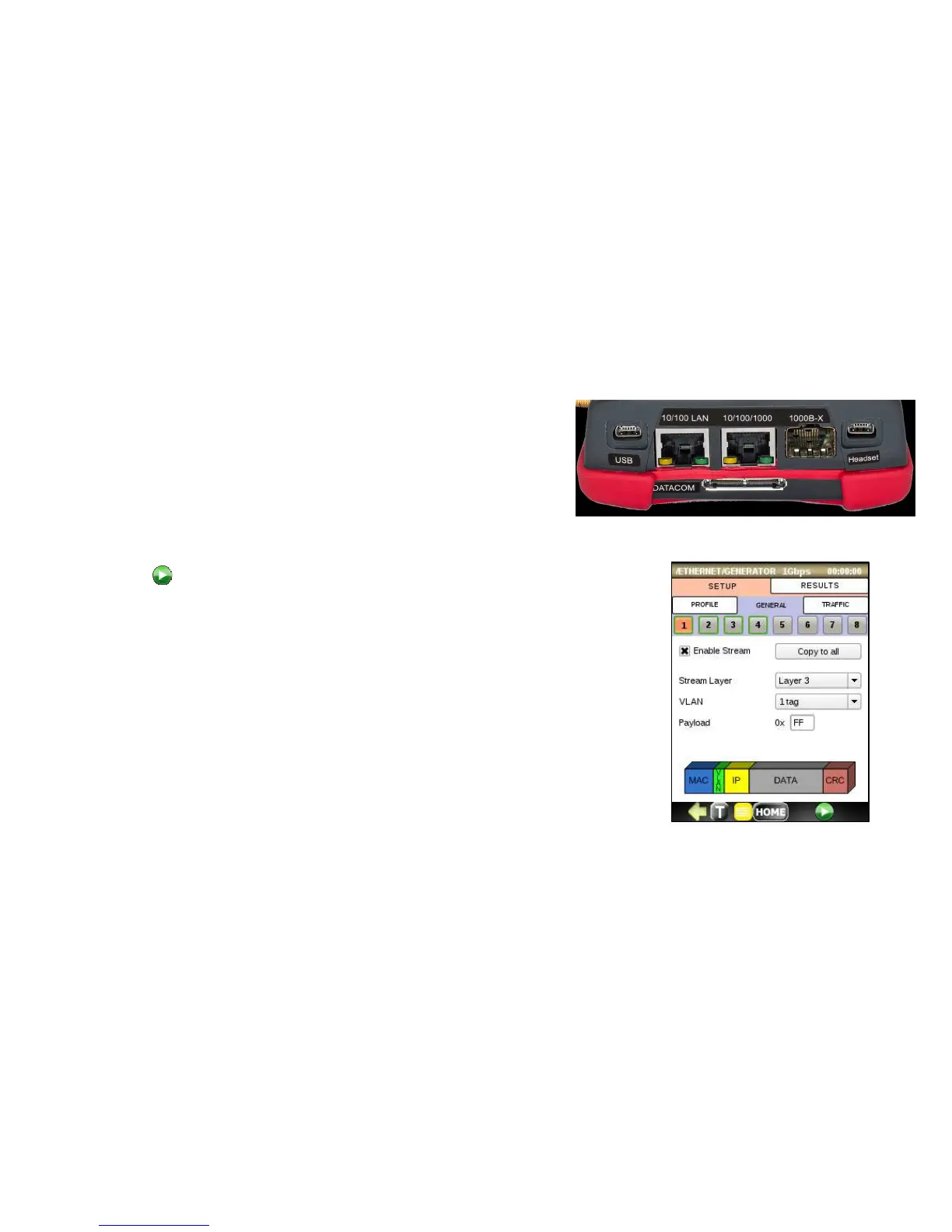
• Load a profile. Make sure that at least one stream is enabled
• Connect a CAT6 Ethernet cable to the 10/100/1000 test port
and
ensure that the test port Active.
• Ensure that test port link Activelink is up.
• Press to run the Traffic Generator test. The RESULTS tab will be
automatically displayed.
• Observe results on the SUMMARY, THROUGH, SEQUENCE, LATENCY and
ALARMS tabs. Each is described below.



 To Next Page