175
12.5.3 Running Monitor
To run monitor function, follow the steps below:
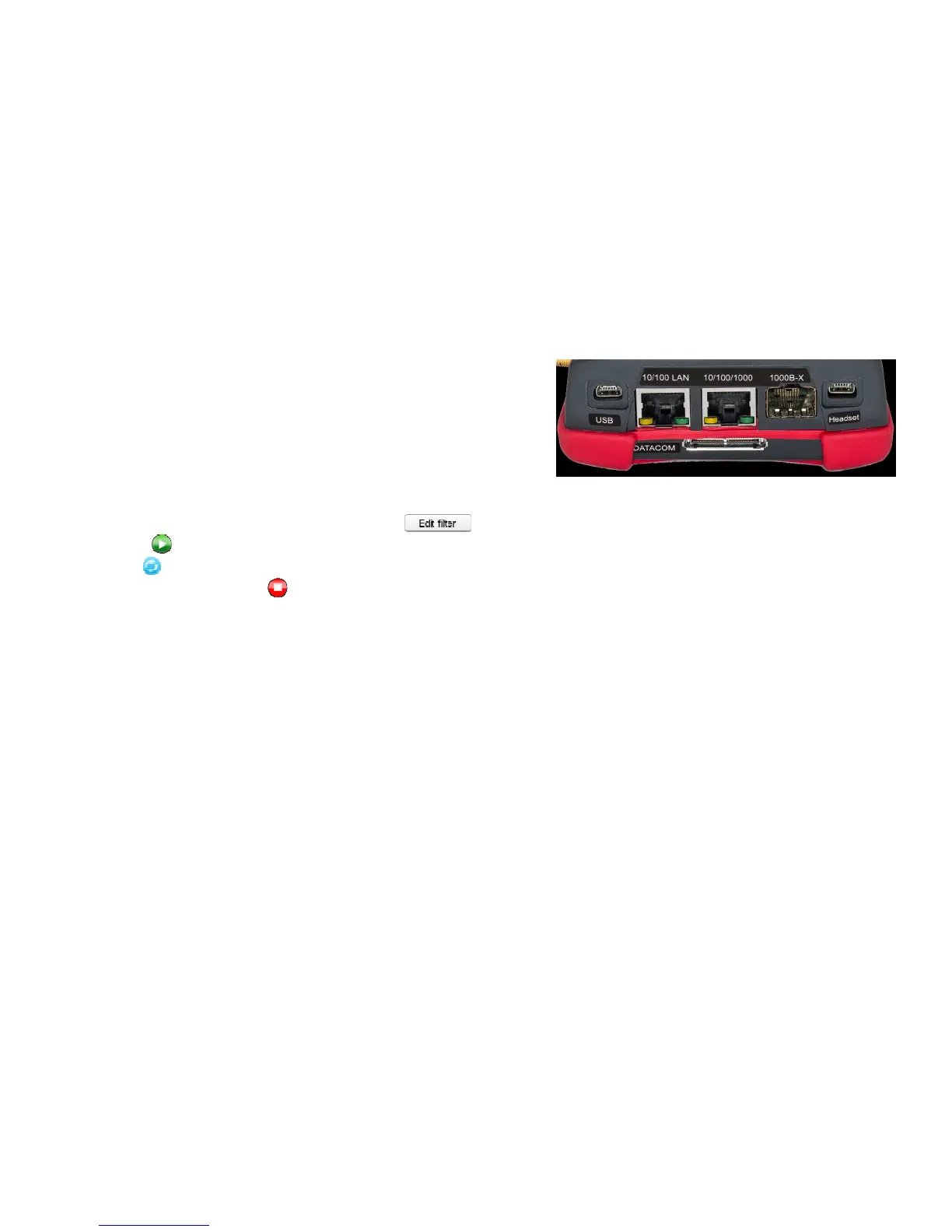
• Make cable connection. Use 10/100/1000 test port or SFP
test port with optical transceiver. To monitor network traffic
you can just connect to a mirrored switch port, hub or TAP device.
• If needed, configure inbound traffic filter ( ) and check Enable filter to activate it .
• Press to start monitoring received traffic.
• Use to reset measurement statistics.
• To stop monitor press .



 To Next Page