337
20. Software Update procedure
Updating NetProbe 2000 software is easy and can be completed in about 5 minutes.
To update NetProbe 2000 Software, follow the steps below:
1. Download the software update file (about 120 Mbytes) from provided link and copy it to a USB pen
drive. The update utility will require at least 500Mbytes of spare space for unpacking.
2. Insert the USB pen drive into the supplied mini-USB adaptor and connect
the adaptor to the NetProbe.
3. Tap on the Toolbar icon at the bottom of the display.
4. Tap on the Lifesaver icon.
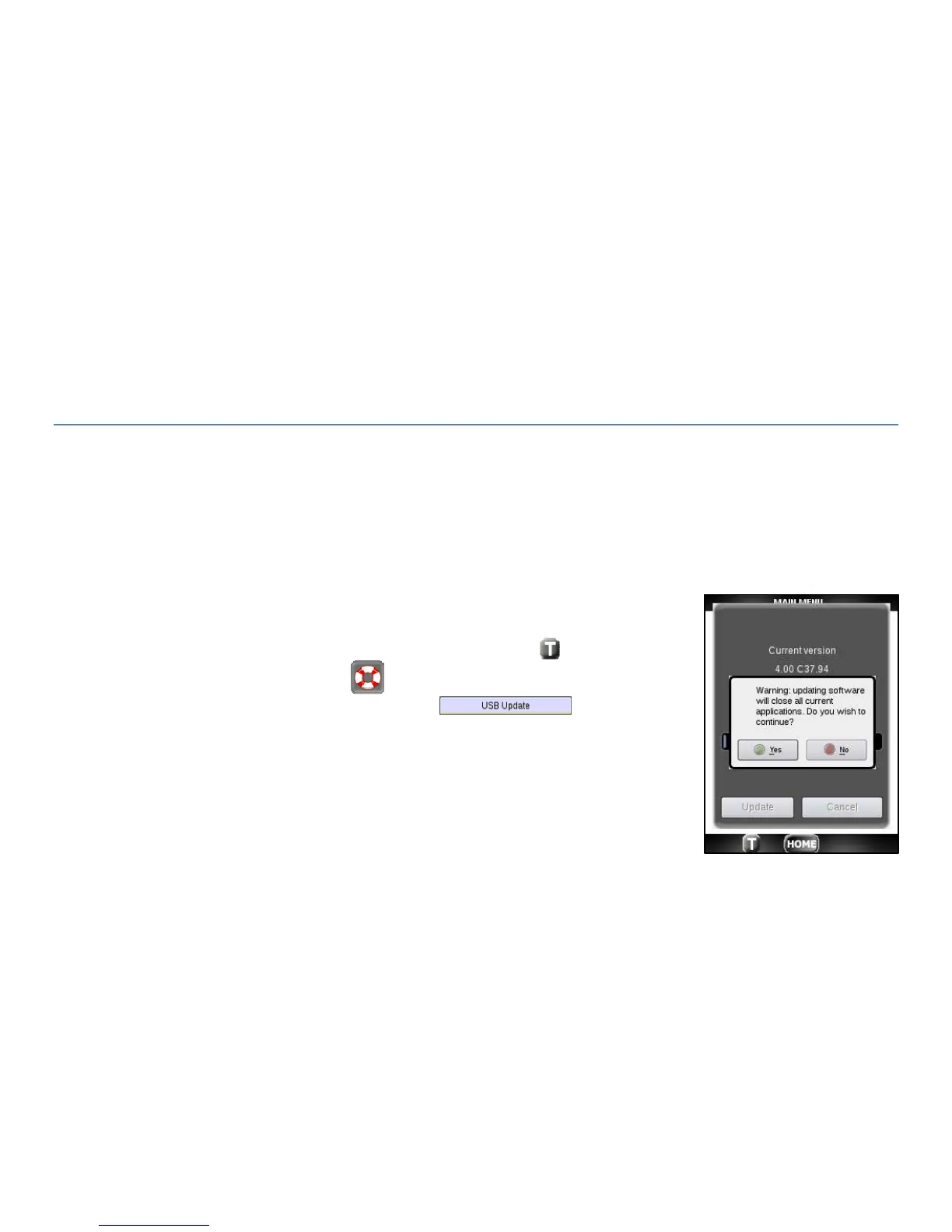
5. Tap on the Software Tab and Press the button. Press
Yes to the warning message to close current applications. If no USB is
detected the message “No USB Disc found!” displays.



 To Next Page