220
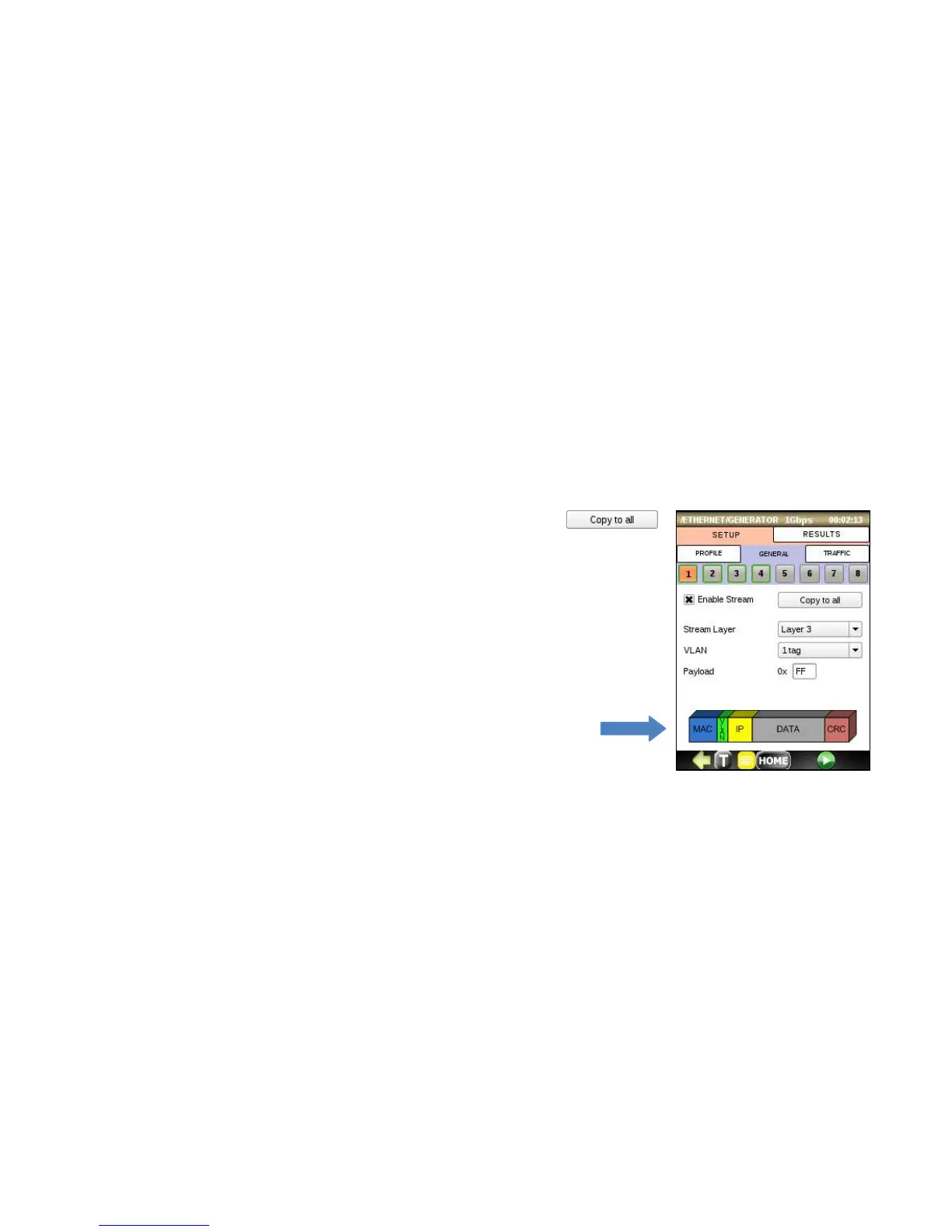
GENERAL Tab
Per stream setup:
• Enable Stream: Enables or disables the current stream. Press the
to copy the 1
st
stream to all other streams (2-8).
• Stream Layer: Selects the frame structure for the current stream. The choices
are: Layer 1 Framed, Layer 2 (MAC), Layer 3 (MAC/IP), Layer 4 (MAC/IP/UDP).
• VLAN: Defines the number of VLAN tags in frame header. The choices are: Off,
1 tag, 2 tags.
• Payload: Defines the payload of the frame in hexadecimal format.
• Header setup: Tap on the color bars at the bottom of the screen to configure
MAC, VLAN, MPLS and IP parameters. The choices change based on the Stream
Layer selected.



 To Next Page