259
14. Acquring an IP ADDRESS
14.1 Enable eth0
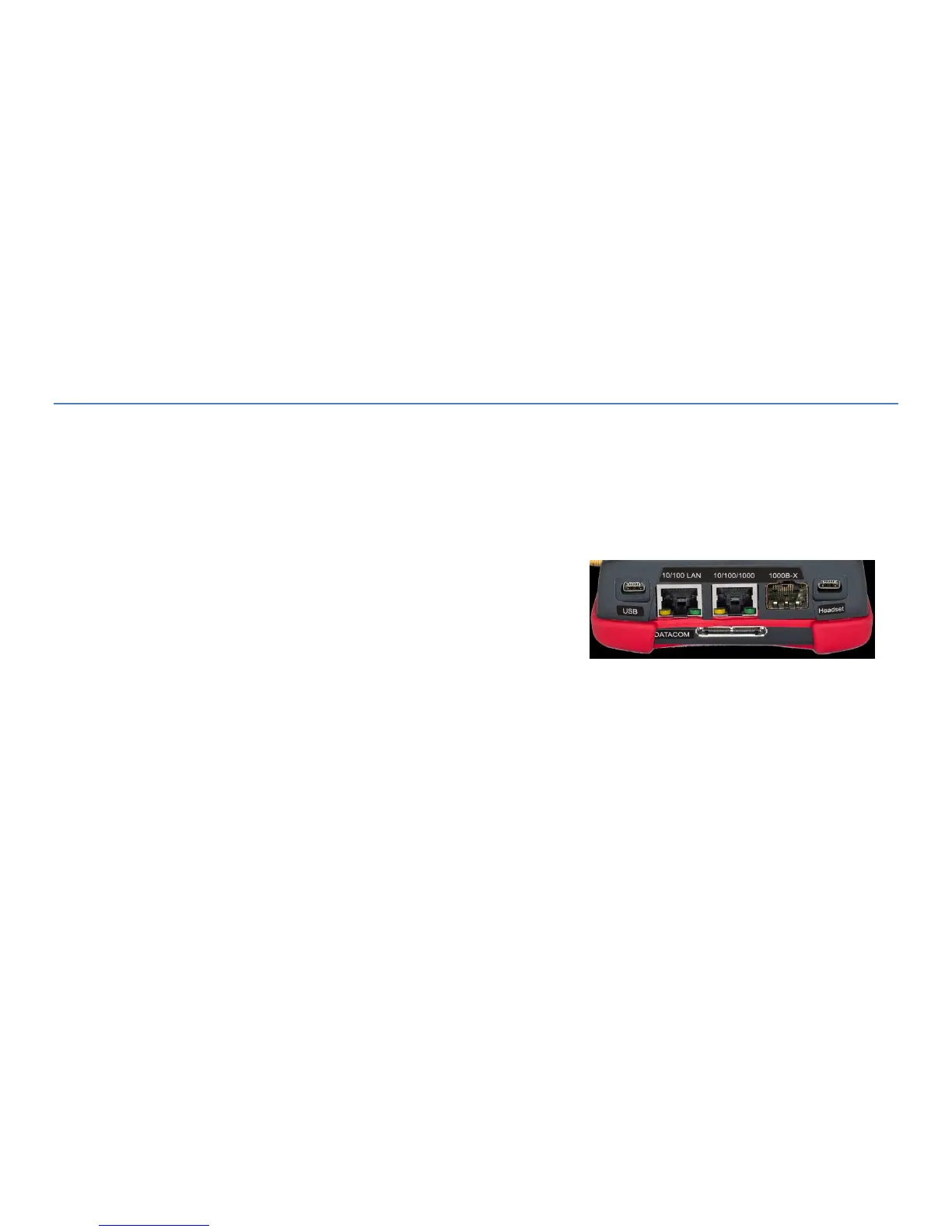
Prior to running the IPTV, VoIP, IP Tools (Main screen) or Remote applications, the NetProbe must establish an IP
address via the LAN 10/100 LAN port with the network. This port can be found at the top of the unit.
The instruction steps to acquire an IP address depend on your application you wish to run. With the WiFi and Remote
applications, follow all the steps below.
When starting the IPTV, VoIP or IP Tools application, if an IP address has not yet been acquired you will see the message
“Please turn on network interface and set IP address” . Click OK and go to step#3 below. If an IP address has already
been acquired, the message will not display and the IPTV, VoIP and IP Tools applications are ready to run.



 To Next Page