260
Steps to Acquire an IP Address
WiFi and Remote Applications - start here
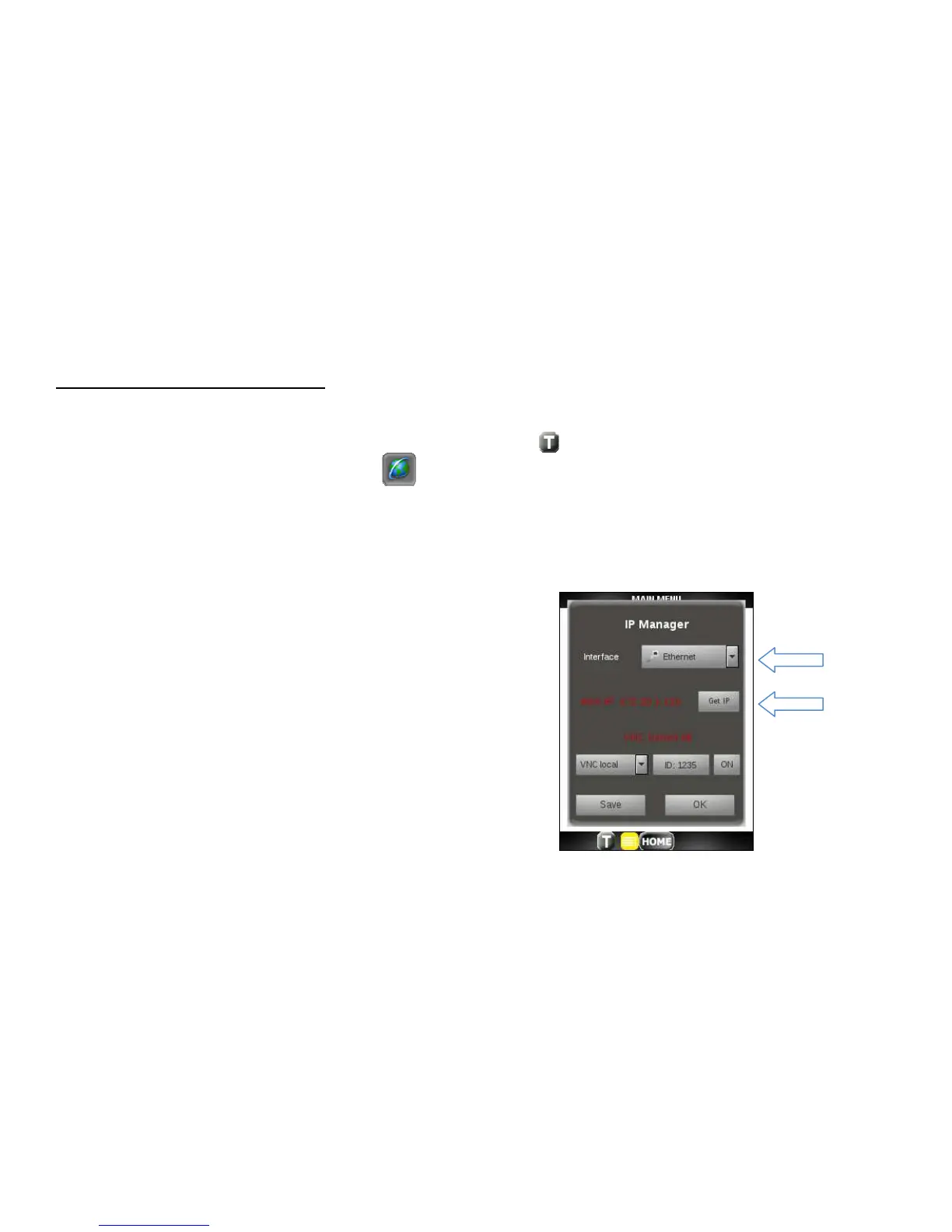
1. Tap on the Toolbar icon at the bottom of the display.
2. Tap on the Globe toolbar icon.
IPTV, VoIP, IP Tools Applications - start here
3. For IPTV, VoIP, IP Tools and Remote Applications, enable eth0 by choosing Ethernet from the Interface
drop down list. For WiFi application, enable wlan0 by choosing WLAN from the drop down list.
4. Click on the Get IP button.



 To Next Page