332
18.5 FTP
FTP is used to check the status of an FTP server by measuring the time from to download a host file to the NetProbe or
upload file to a server.
FTP Download Test
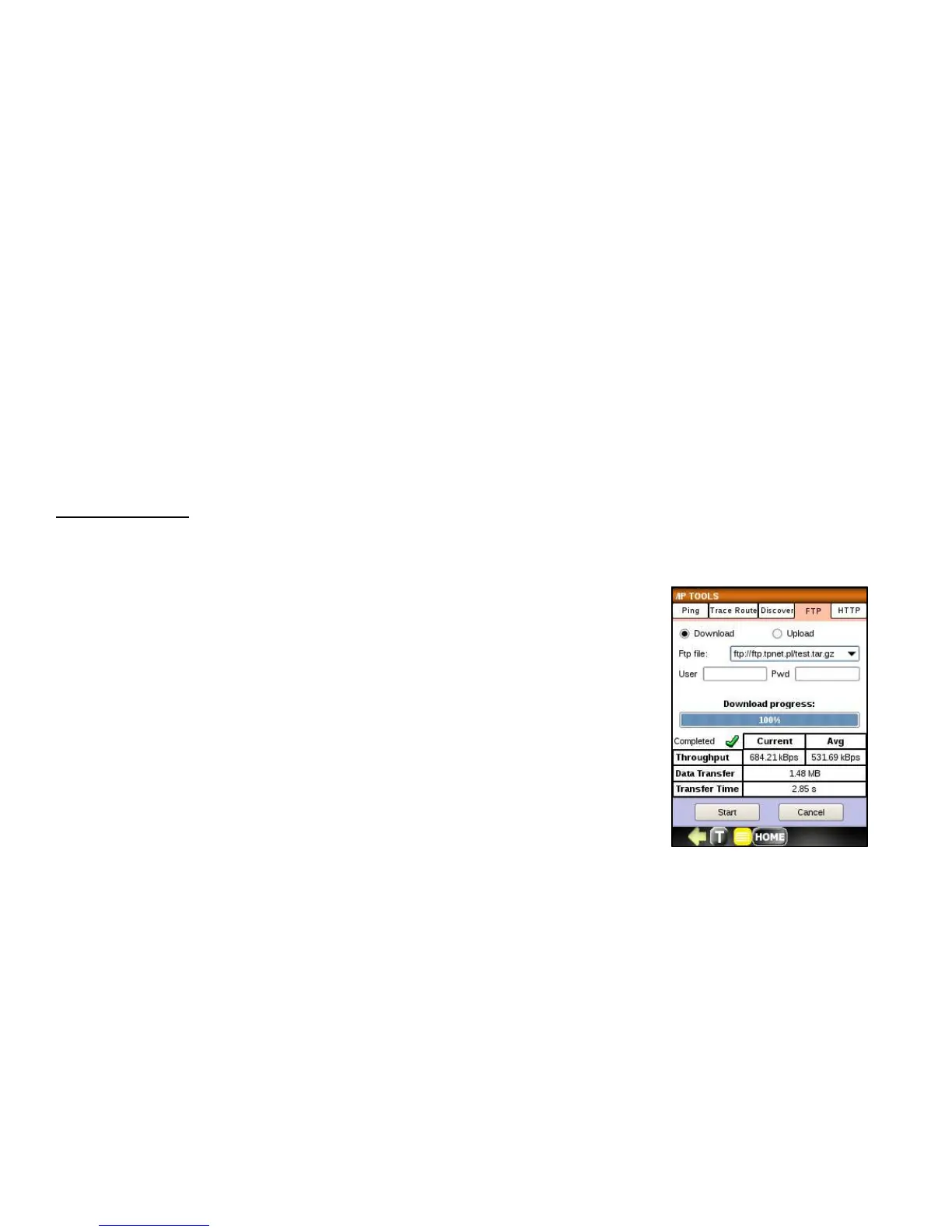
To run a FTP download test, follow the steps below:
1. Check Download radio button.
2. Select an FTP file for the test from the drop down or click in the Ftp file entry
block and enter an FTP address.
3. Enter User and Password in the entry blocks. If your FTP does not require
authentication leave it empty.
4. Press the Start button, observe the progress bar. Success is indicated by a
green check and a failure is indicated by the red bar.
When the test completes successively, the following measurements are displayed.
• Throughput Current and Average
• Data transfer rate
• Transfer Time



 To Next Page