270
15.4 Monitor
The Monitor function allows you to passively monitor and analyze IPTV multi-cast channels that are received at the
NetProbe 2000 10/100 LAN port. If your network segment transmits IPTV streams on every switch port, you can just
connect to a mirrored switch port and monitor. Otherwise, you will need a hub, TAP device or Pass-Thru option to
monitor data between the modem/router and STB.
If your NetProbe is equipped with the Pass Thru option, you can monitor and analyze IPTV multi-cast channels that are
tapped between the NetProbe 2000 10/100 LAN port and 10/100 test port. Connect one 10/100 port to the
modem/router and the other 10/100 port to the STB.
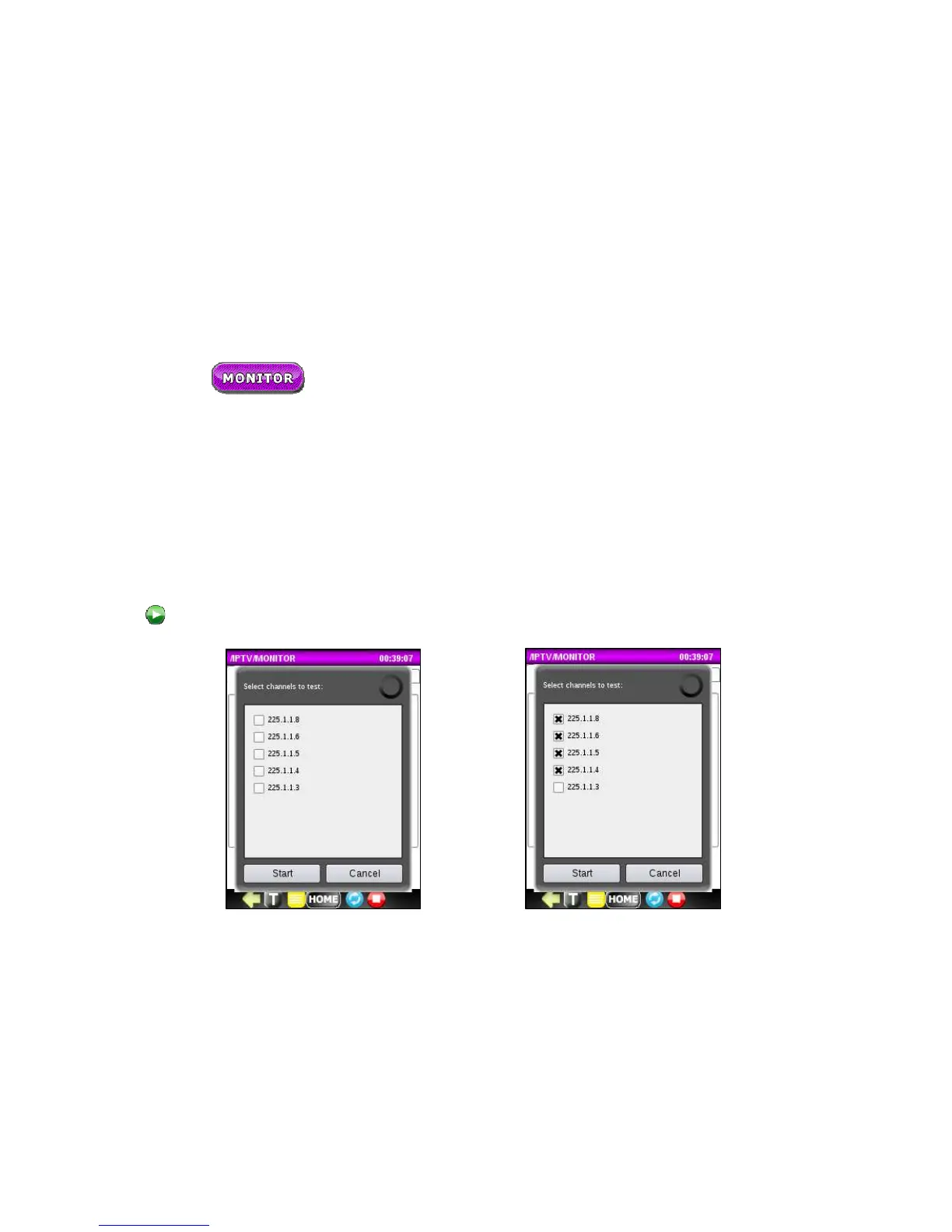
Press on the button to start the Monitor application. Wait until available channels display. Select channels to test by
clicking on the appropriate checkboxes and press the Start button to start passive monitoring.



 To Next Page