143
Saving the SETUP
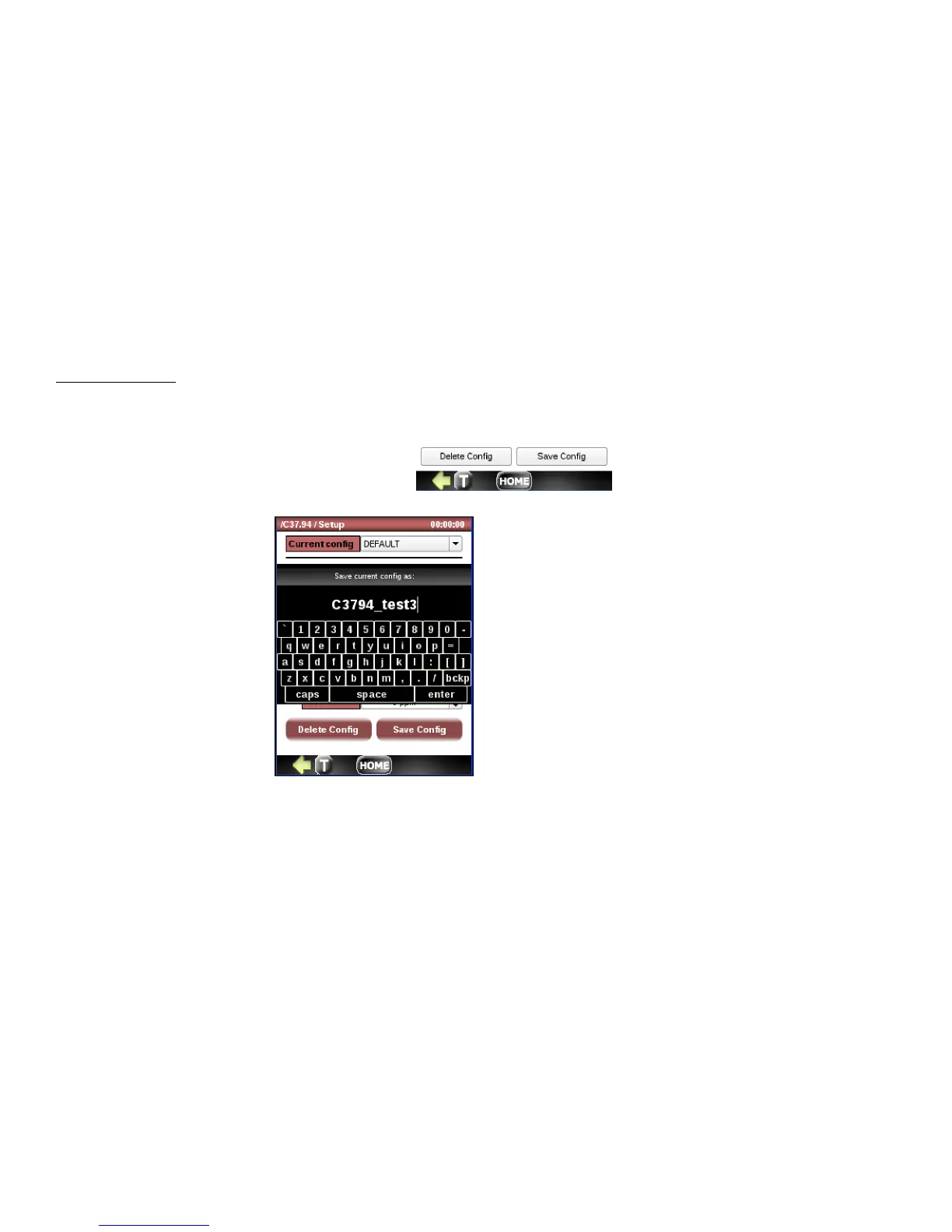
The buttons labeled Delete Config and Save Config allow you to delete and save any configuration file currently shown in
the Config window. If the config is not saved, it will retain the last config used.
To save a config, press the Save Config button.
You can save as Default or you
can enter a new name for the
current configuration. To save,
press the enter button.
When you return the Setup
menu, you will see any new
configs created in the Config
drop down.



 To Next Page