148
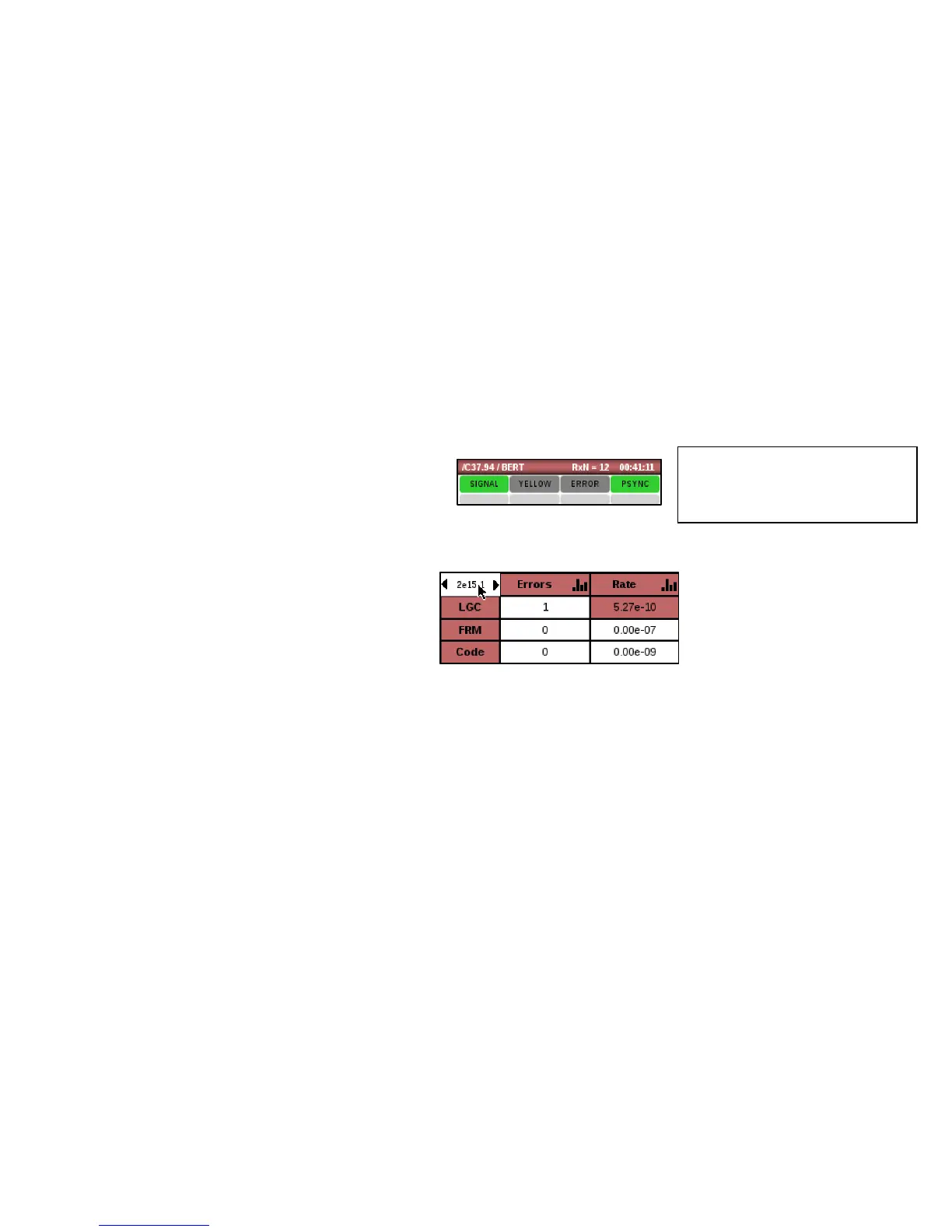
Check the BERT main screen and observe the following:
• The real-time PSYNC LED is green. Red
indicates a problem. If these indicators are
red, you should check all circuit connections
and C7.94 setup.
• The history indicators are gray. Red indicates a
problem. If a PAT SYNC event occurs, the
corresponding gray history area will remain
red until it is reset.
• Error counters report 0 or at least are not
quickly incrementing. If these are quickly
incrementing, check all circuit connections,
cabling and C37.94 related equipment.
• Yellow alarm LED is gray.



 To Next Page