208
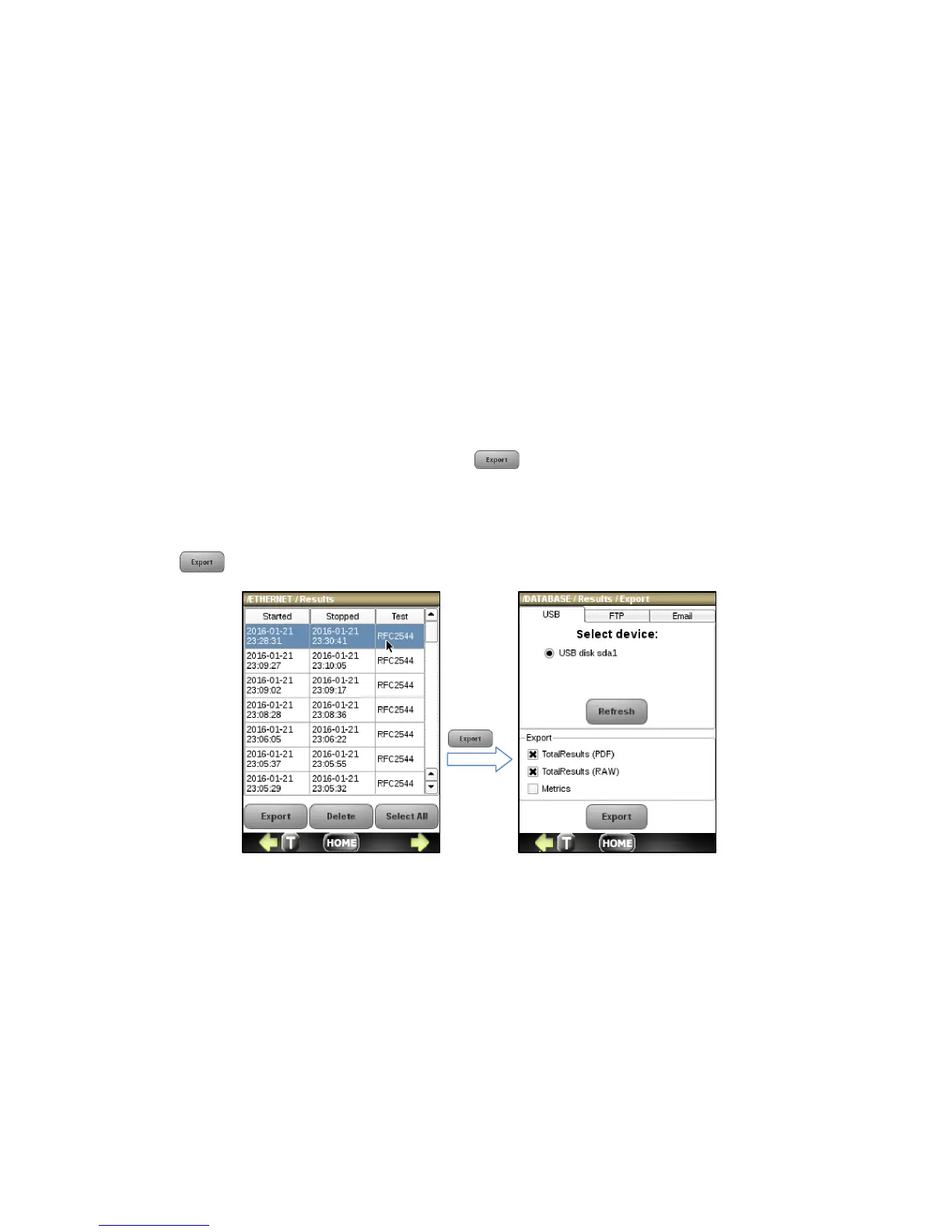
To export results, follow the brief easy steps below or see Section 4.4 Test Results for more details.
1. Connect a USB drive to the NetProbe 2000 using the supplied USB mini adaptor to export by USB. Connect a CAT
6 Ethernet network cable to the NetProbe 2000 to export by FTP or email.
2. Click on a session result to highlight it and press the button.
3. Click on the appropriate tab and enter all necessary information.
4. Select to export the total results report in PDF or ASCII format by checking the TotalResults (RAW) and/or
TotalResults(PDF) checkboxes. You can also select to export a CSV file for each application metric by checking
the checkbox labeled Metric.
5. Press the button to export the results



 To Next Page