21
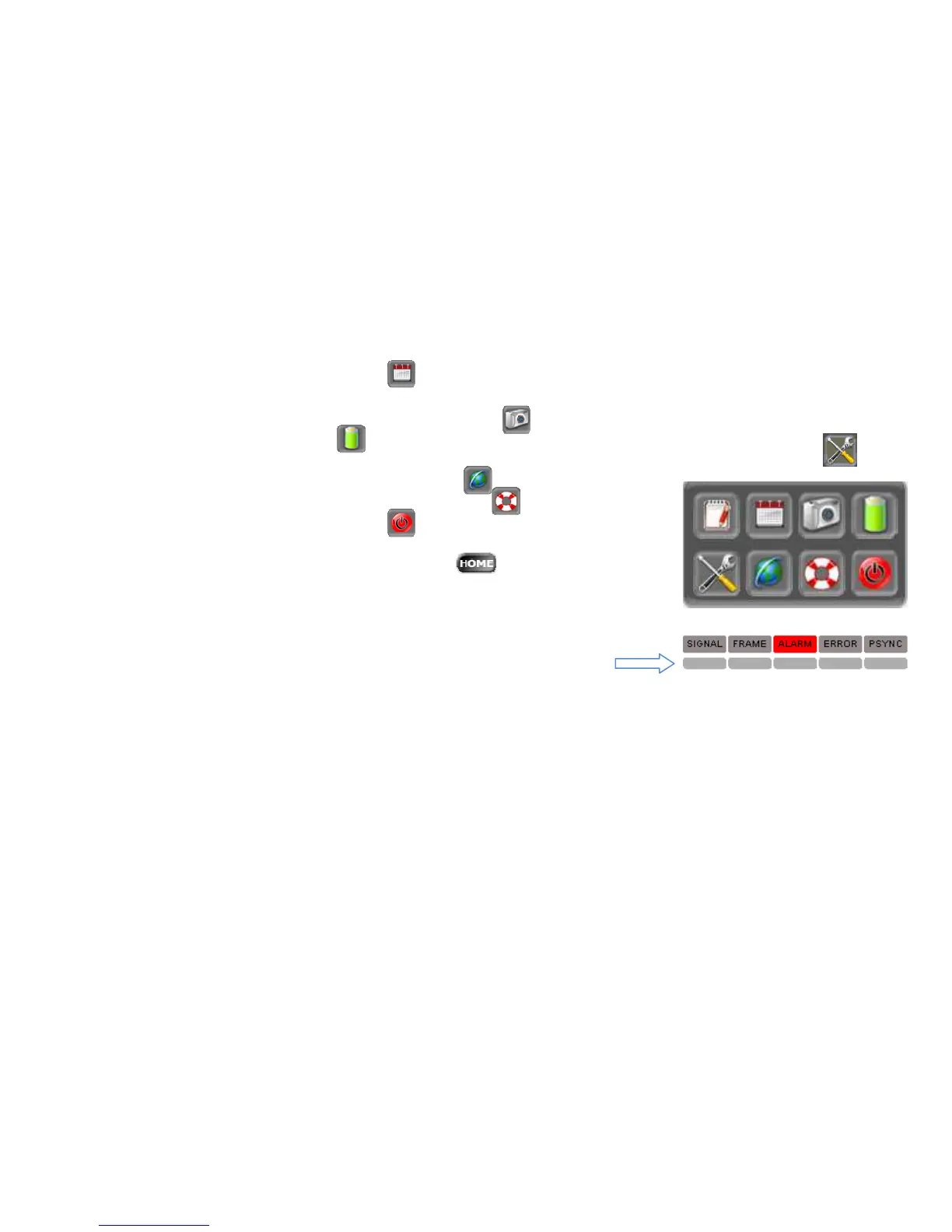
Clock &Calendar setup
Screenshot tool allows taking a screen picture and saving it in a file. This feature is useful when a
temporary event displays on the screen
Battery status
Set Brightness, calibrate the touch screen, erase all tester data and change languages
LAN, WiFi and VNC configurations
Software version info and update tool
Soft Power OFF button
o Result button to enter the test log of saved test results
o HOME button to return to the top menu
o Pause button to pause the screen refresh
o Test Start/Stop button
• Signal and Alarm LED’s and History LED’s
History LED’s can be reset by tapping on any of the five buttons.



 To Next Page