215
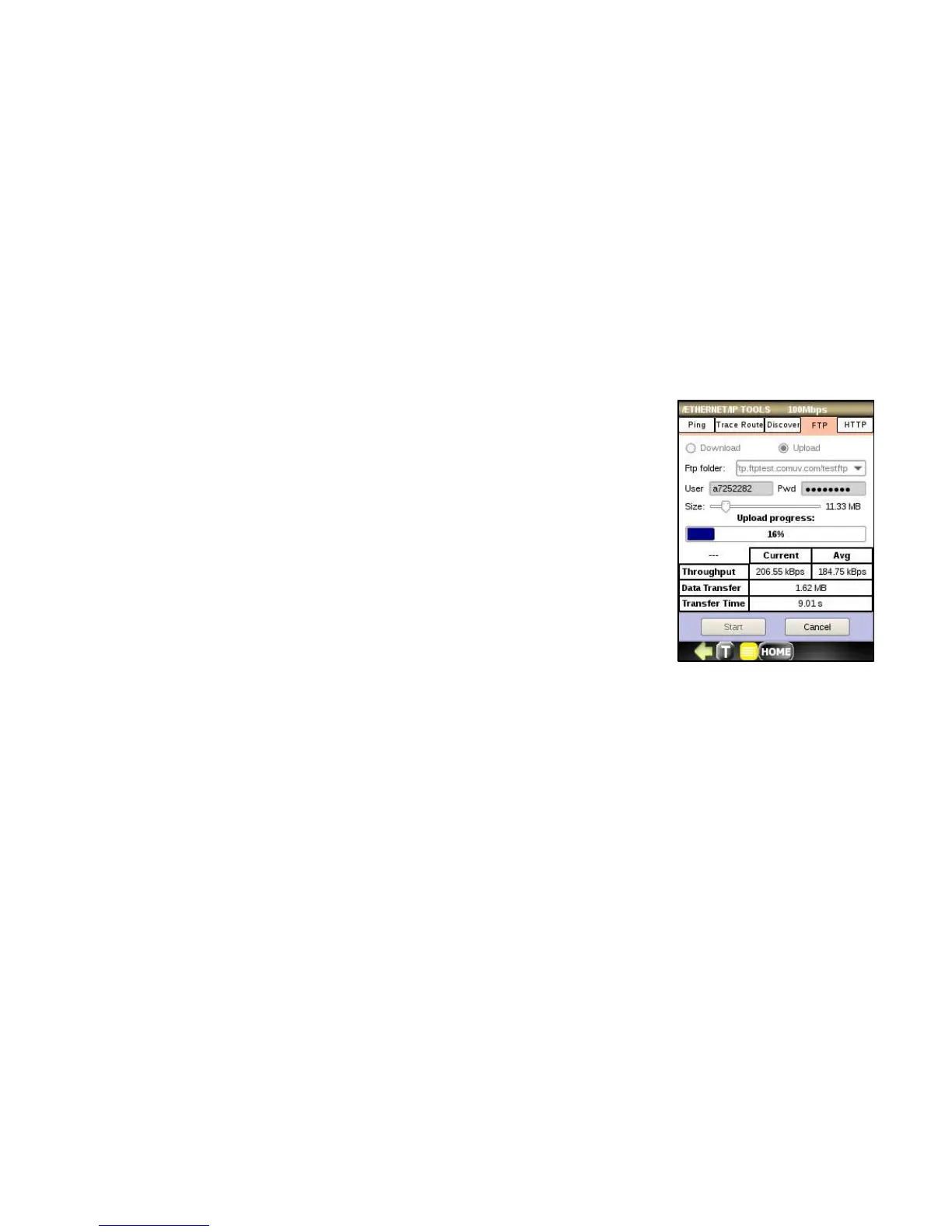
To run FTP upload test, follow the steps below:
1. Check Upload radio button.
2. Select an FTP remote server directory where test file will be uploaded.
3. Enter User and Password in the entry blocks. If your FTP does not require
authentication leave it empty.
4. Set upload Size.
5. Press the Start button, observe the progress bar. Success is indicated by a
green check and a failure is indicated by the red bar.
FTP upload test reports following measurements:
• Upload throughput (Current, Average)
• Data transfer size
• Transfer Time.



 To Next Page