233
Traffic coloring enables user to tell the network which of the frames should be marked as green frames (high priority
level) and which frames should be marked as yellow frames (low priority level). Color mode can be on or off, and set
independently for each service. Press button to open traffic coloring configuration menu for current service.
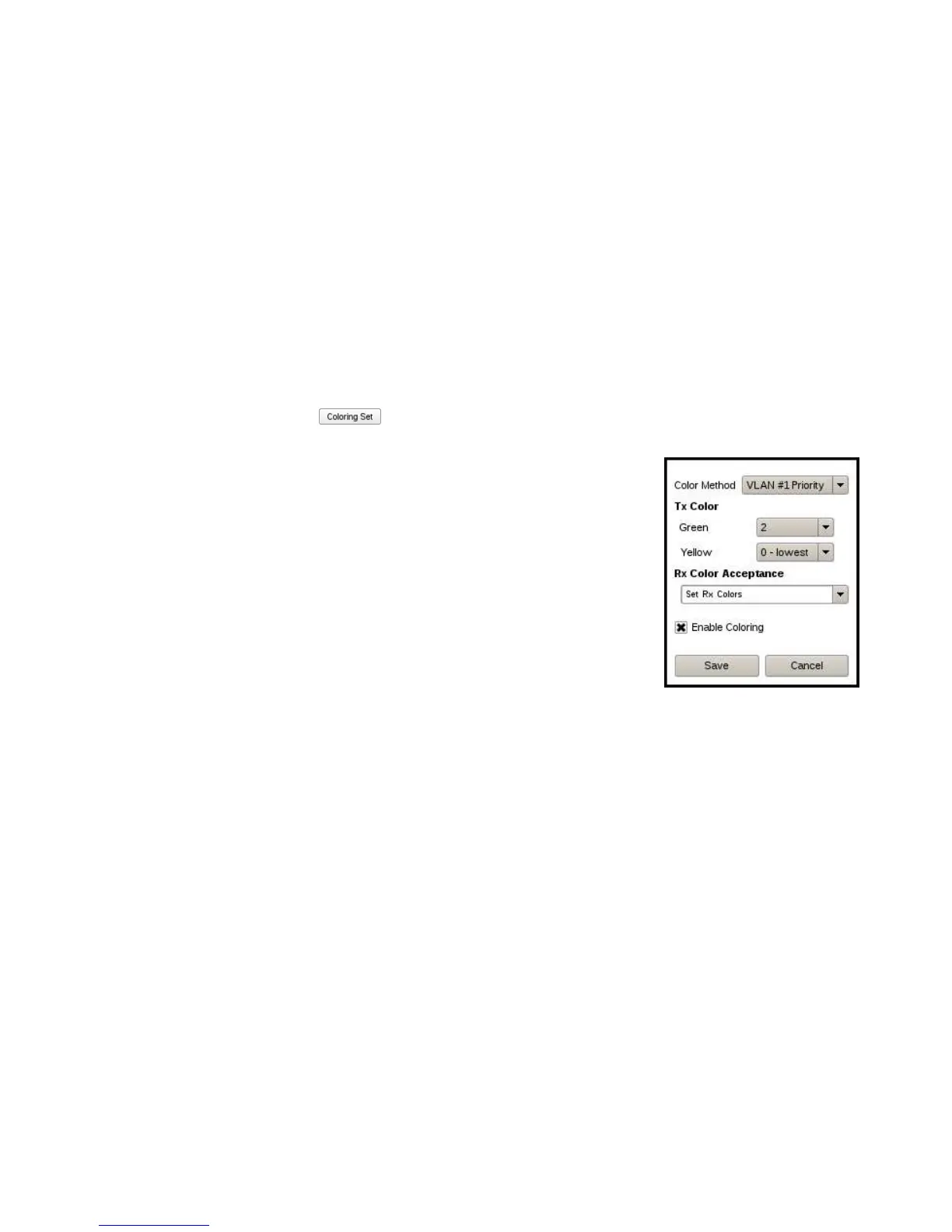
Traffic coloring menu includes:
• Color Method: Configure which field in the test traffic implements the color
mechanism. The choices are: IP DSCP, IP ECN, VLAN Priority, VLAN DEI. The
color markers must have different value for green and yellow traffic
corresponding to the same service.
• Tx Color: Define color marker value for green and yellow traffic
• Rx Color Acceptance: Configure Rx traffic color filter. Defines which of
received frames should be classified as green and which as yellow.
• Enable Coloring: Enables or disable traffic coloring for current service



 To Next Page