281
Request Connections
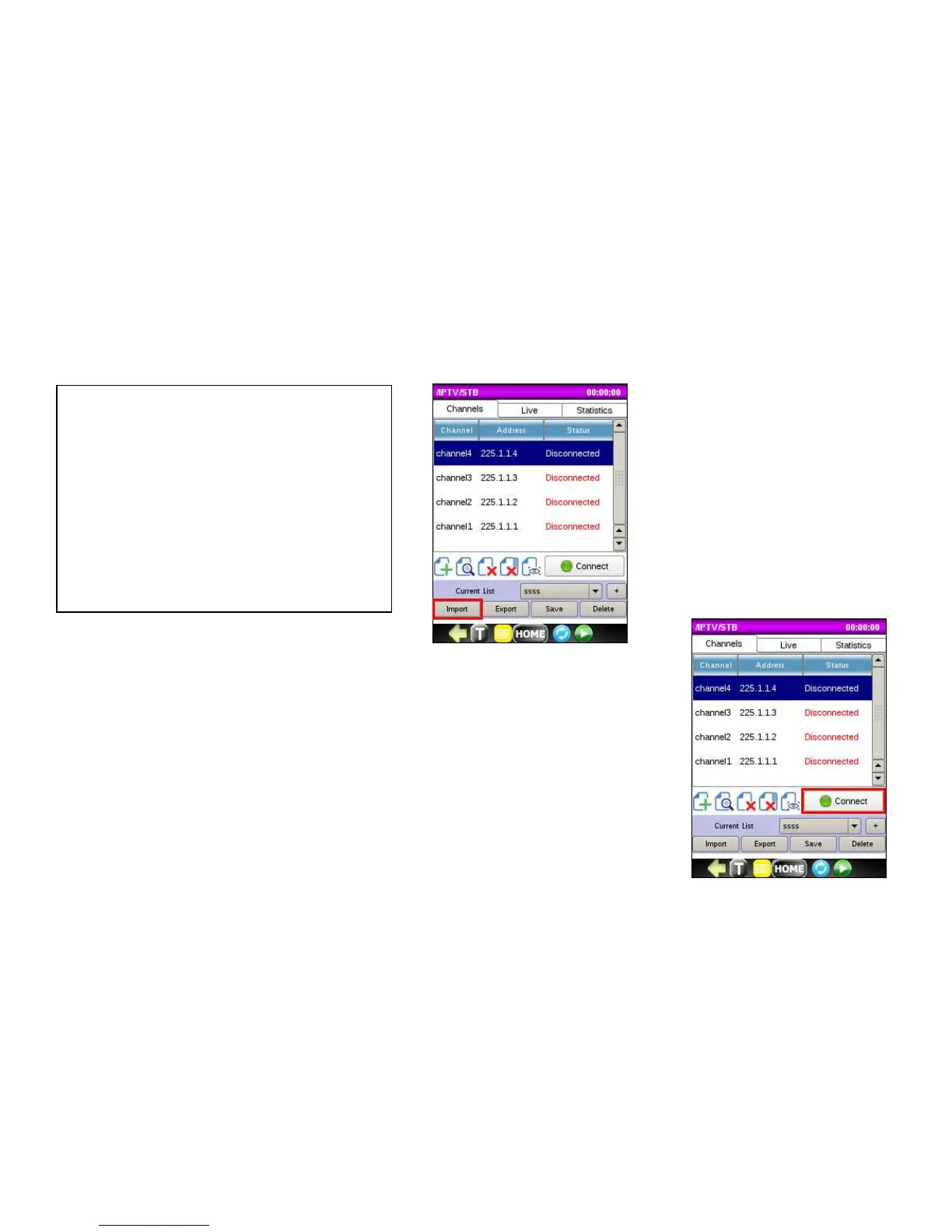
Once you load the Channel List, the status for each channel will display as Disconnected.
Click on the Connect/Disconnect button to toggle it between Connected and
Disconnected state. This indicates that when you start STB emulation, you are going to
request to connect to this channel. You can actually request to Connect to multiple
channels simultaneously depending on the bandwidth used. We recommend not
exceeding 40Mbps.
1. Insert USB disk into the mini-USB
adaptor.
2. Click on the Import List button.
3. Choose the list to import.
4. The file should be of the format:
1;225.1.1.1;TVP1



 To Next Page