301
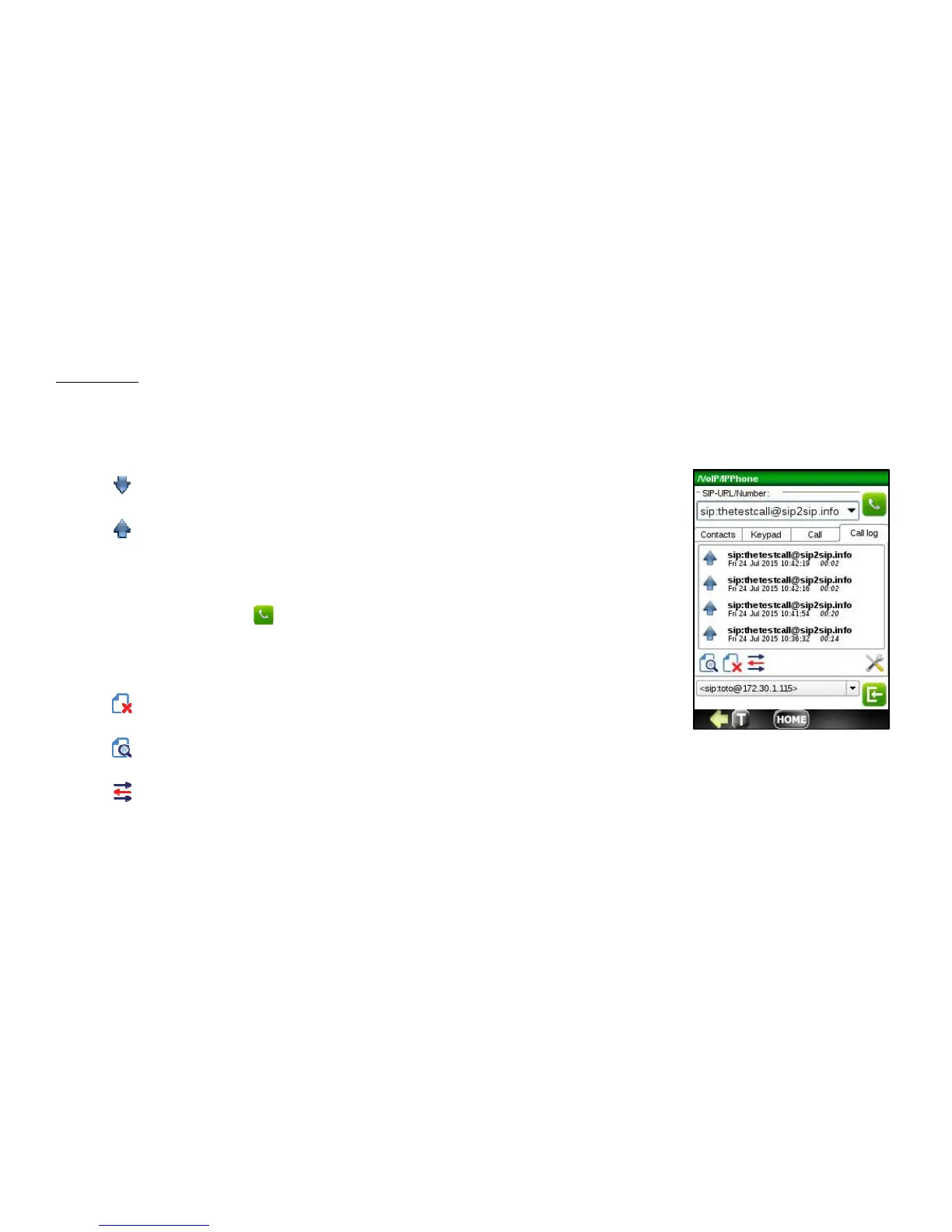
Call Log Tab
Use this tab to view the number of calls you've dialed, received or missed. A list of recent call is displayed. Type of calls
are identified by the following icons:
- incoming calls
- outgoing calls
To call back a sip number stored in the call log, select it by tapping a record on the Call
log list. The sip number you want to call will be inserted into the SIP-URL/Number entry
area. To initiate a call, press button.
To manage the call log, use following buttons:
- remove selected call from call log
- show call detail information
- show SIP flow if available



 To Next Page