317
Testing a Network
To test a network, follow the steps below
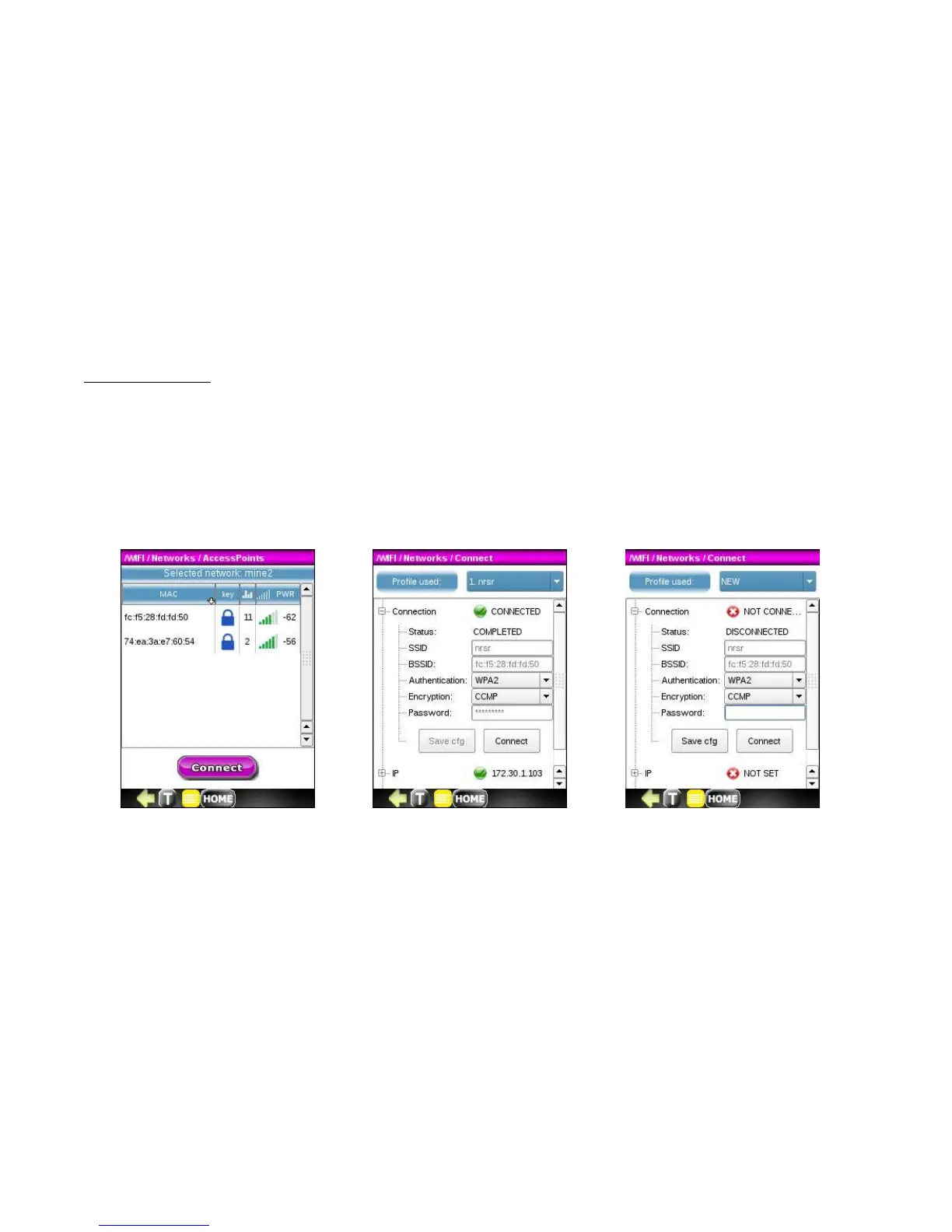
1. Click on the network name to highlight it. If the selected network has one access point, press the Connect
button. If the selected Network has multiple access points, press the Details button to see the list and the
press the Connect button for the desired access point.
2. You can now perform more detailed IP testing. Reference Section 17.3 IP Tools.



 To Next Page