53
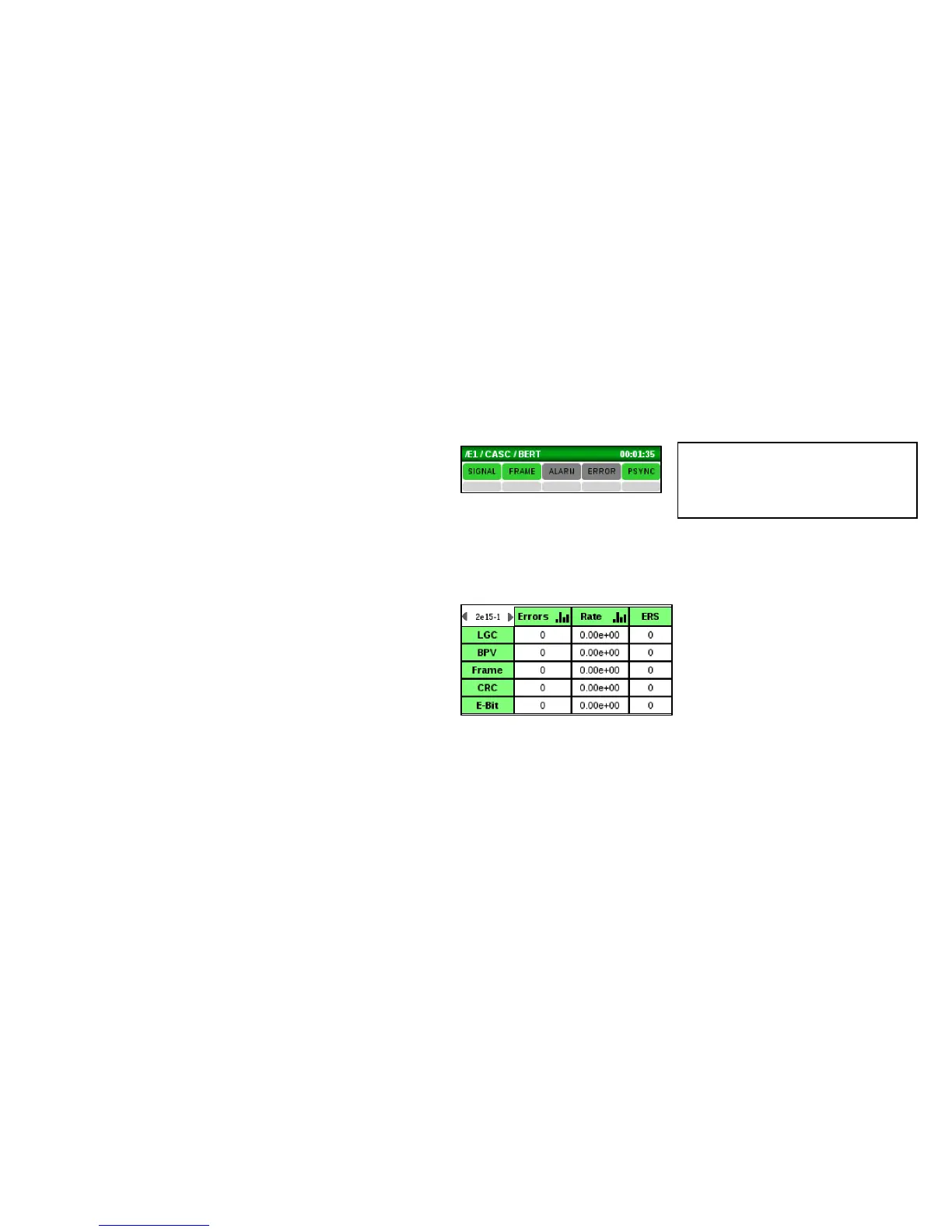
Check the BERT main screen and observe the following:
• The real-time SIGNAL, PSYNC and FRAME
(with Framed data) indicators at the top of
the screen are Green. Red indicates a
problem. If these indicators are red, should
check all circuit connections and E1 setup.
• The history indicators below are gray. Red
indicates a problem. If an event
(SIGNAL/FRAME/ALARM/ERRROR/PSYNC)
occurs, the corresponding gray history area
will remain red until it is reset.
• Error counters report 0 or at least are not
quickly incrementing. If these are quickly
incrementing, check all circuit connections
and E1 setup.



 To Next Page