Service Manual
683311W
9-7
9.2.5 DISASSEMBLING/REASSEMBLING THE UPPER MECHANICAL ASSEMBLY
- Remove the printer case (section 9.2.1) and console (section 9.2.2)
- Lift the entire mechanical assembly frontwards off the base of the printer and partly tilt it so as to
have access to the connectors on the main board
- Disconnect the cables that connect the print head and transport motor to the main board
- Lift the upper mechanical assembly using the corresponding lever
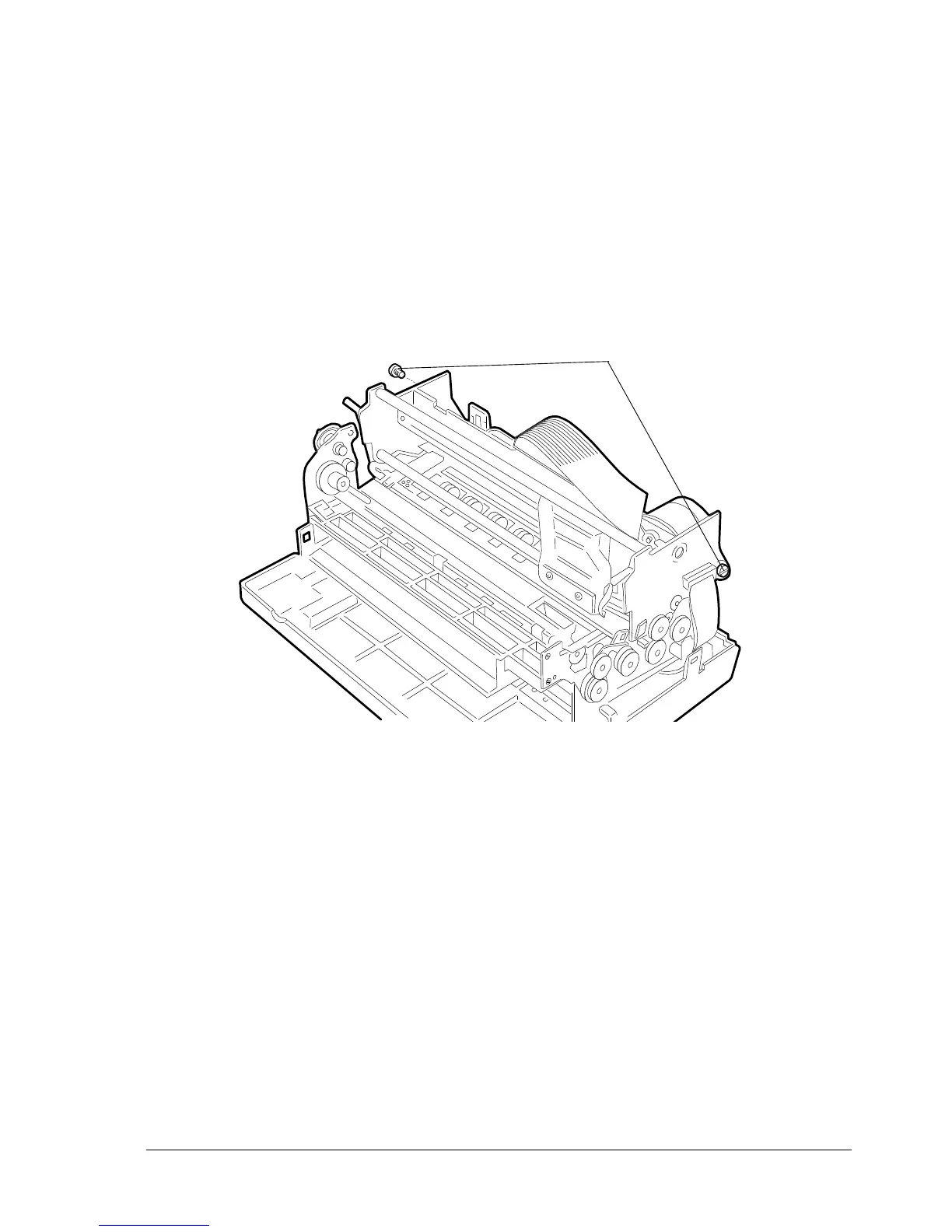
- Loosen the two rear side hinge pins (1) so as to be able to disconnect the upper mechanical
assembly.
1
Fig. 9-5
Note: Check the adjustment of the roller gears during reassembly (section 8.1.7).















 To Next Page