Service Manual
683311W
9-23
9.3.6 DISASSEMBLING/REASSEMBLING THE SCANNER ASSEMBLY
- Remove the case and assembly (section 9.3.1)
- Disconnect the connector to main board
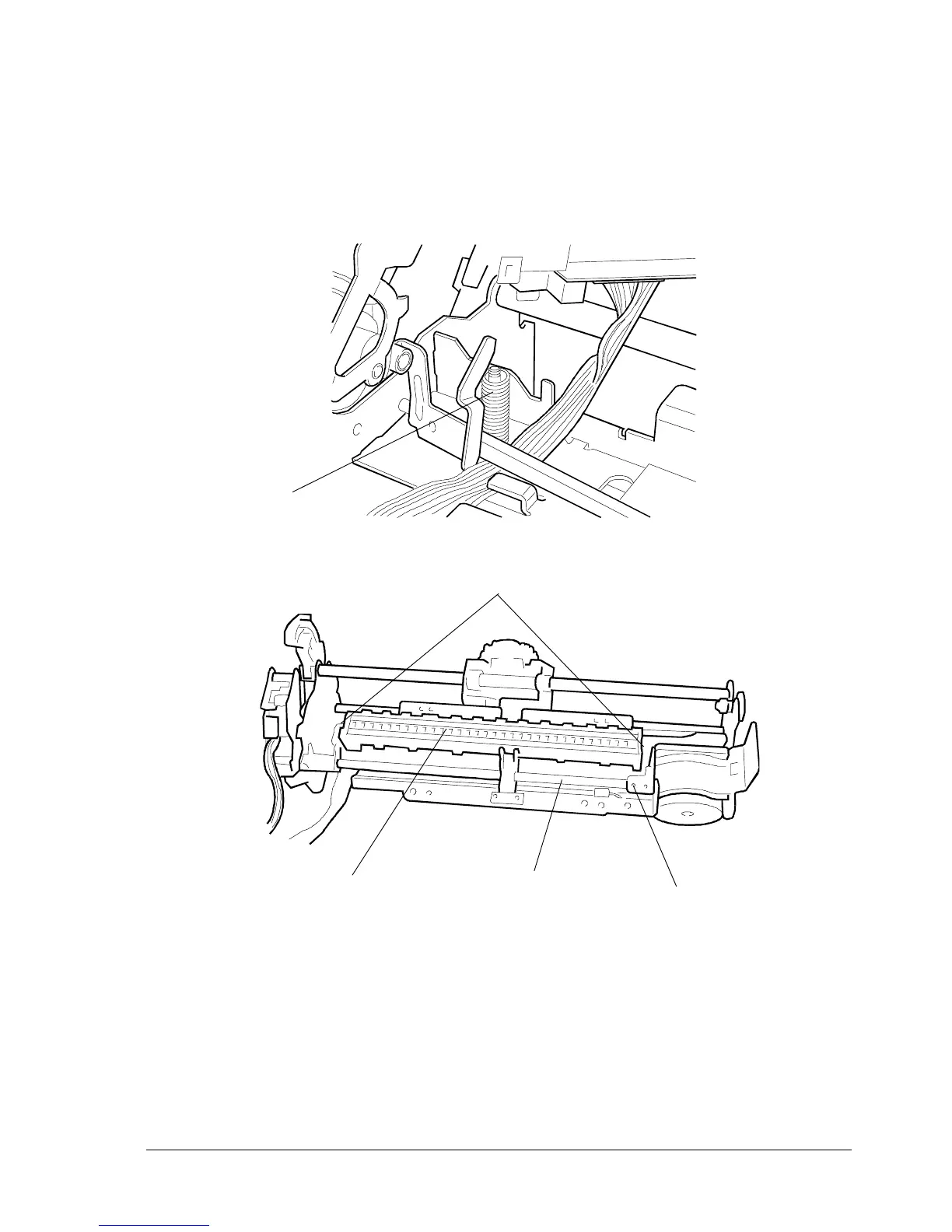
- Loosen screw (1) and then remove pin (2) by sliding it off
- Remove retaining rings (3) and then slide off the scanner assy (4).
Fig. 9-22
Note: When refitting the scanner assy (4) make sure to avoid loosing spring (5).
1
2
3
4
5
■
.















 To Next Page