Service Manual
683311W
3-3
Printer start UP
- Remove the machine from the protective bag
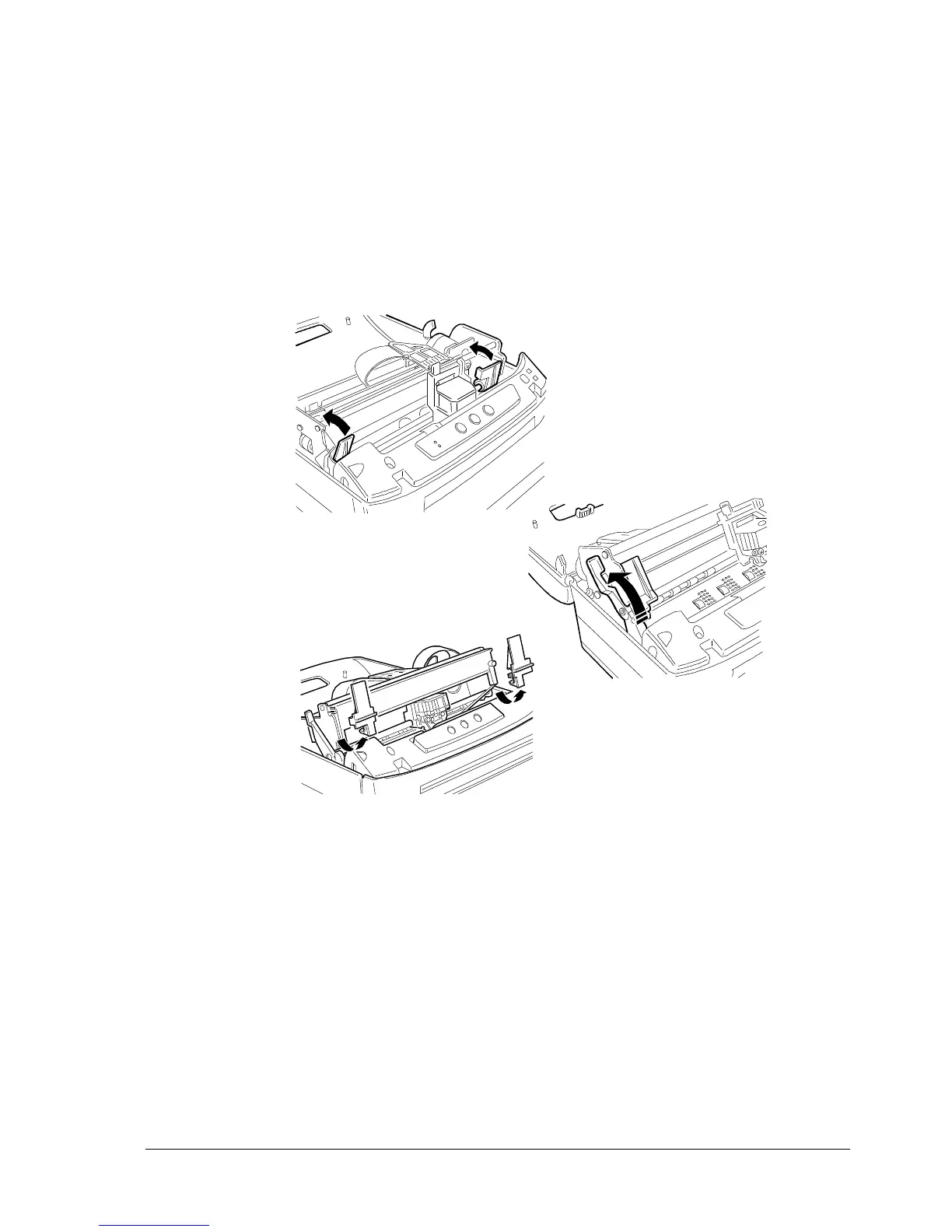
- Completely open the printer’s top cover
- Remove the two plastic brackets that block the print carriage and the top part of the printer in place
during transportation
Fig. 3-2 Removing the Securing Devices
- Make a quick check that the printer has not been damaged in transport
- Install the ribbon cartridge (sect. 3.7.4)
- Fit the cover back into place.
1
2
3















 To Next Page