683311W
4-28
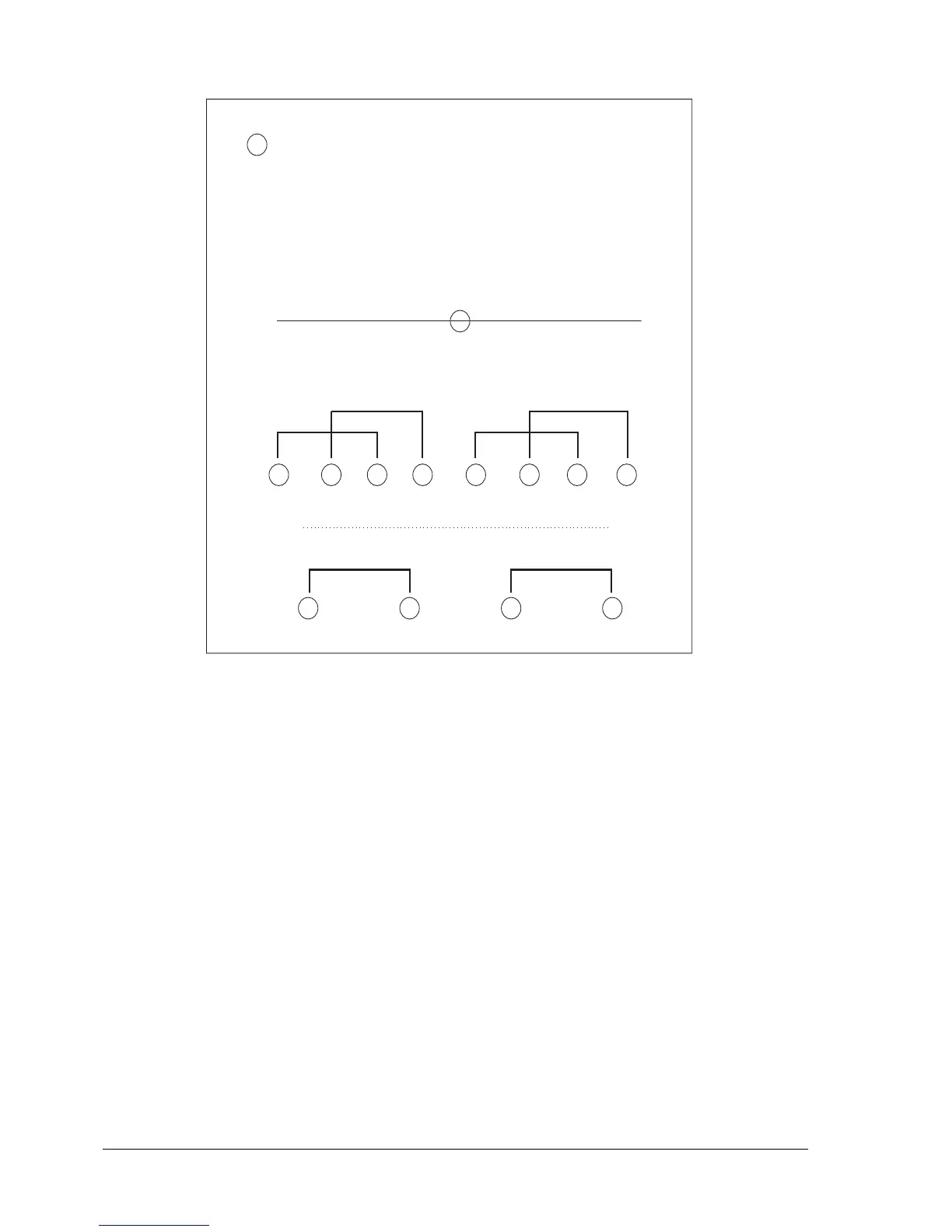
Fig. 4-1 Locating the Photosensors on the Printer
Paper edge detection photosensor
Impact print head carriage
Photo 1 - Front paper presence
Photo 2 - Front paper presence
Front of the Printer
Fibre opticsFibre optics
Fibre optics
Fibre optics
Front paper detection photosensors
Photo 1
Photo 2 Photo 3 Photo 4
Rear paper detection photosensor
Rear of the Printer















 To Next Page