Copyright© Orphée SA. All Rights Reserved.
3.4.4.2 Thresholds:
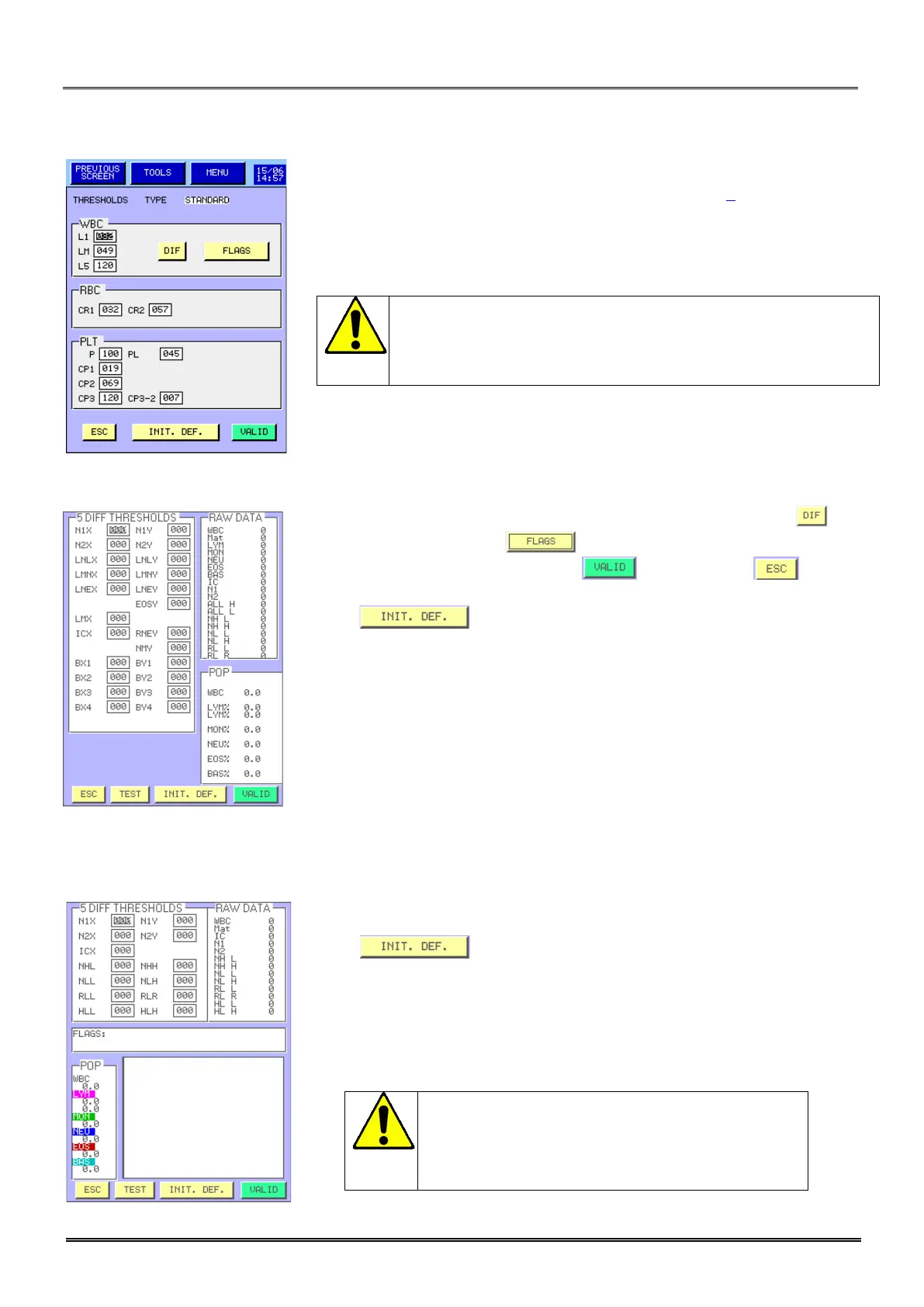
- The threshold display enables to modify the detection thresholds located
on the WBC scattergram and RBC, PLT curves (see section 8).
- To access to the scattergram threshold modification screen press and
to the flags threshold press .
- Once modifications are done, press to validate or to exit
without any modification.
- Press to return to the manufacturer parameter setting.
- Press to return to the manufacturer parameter setting.
Threshold modifications can affect the quality of the results
or can affect the alarm detection area. We recommend
modifying these values only after an Orphée’s training.
Threshold modifications can affect the quality of
the results or can affect the alarm detection
area. We recommend modifying these values only
after an Orphée’s training.



 To Next Page