Copyright© Orphée SA. All Rights Reserved.
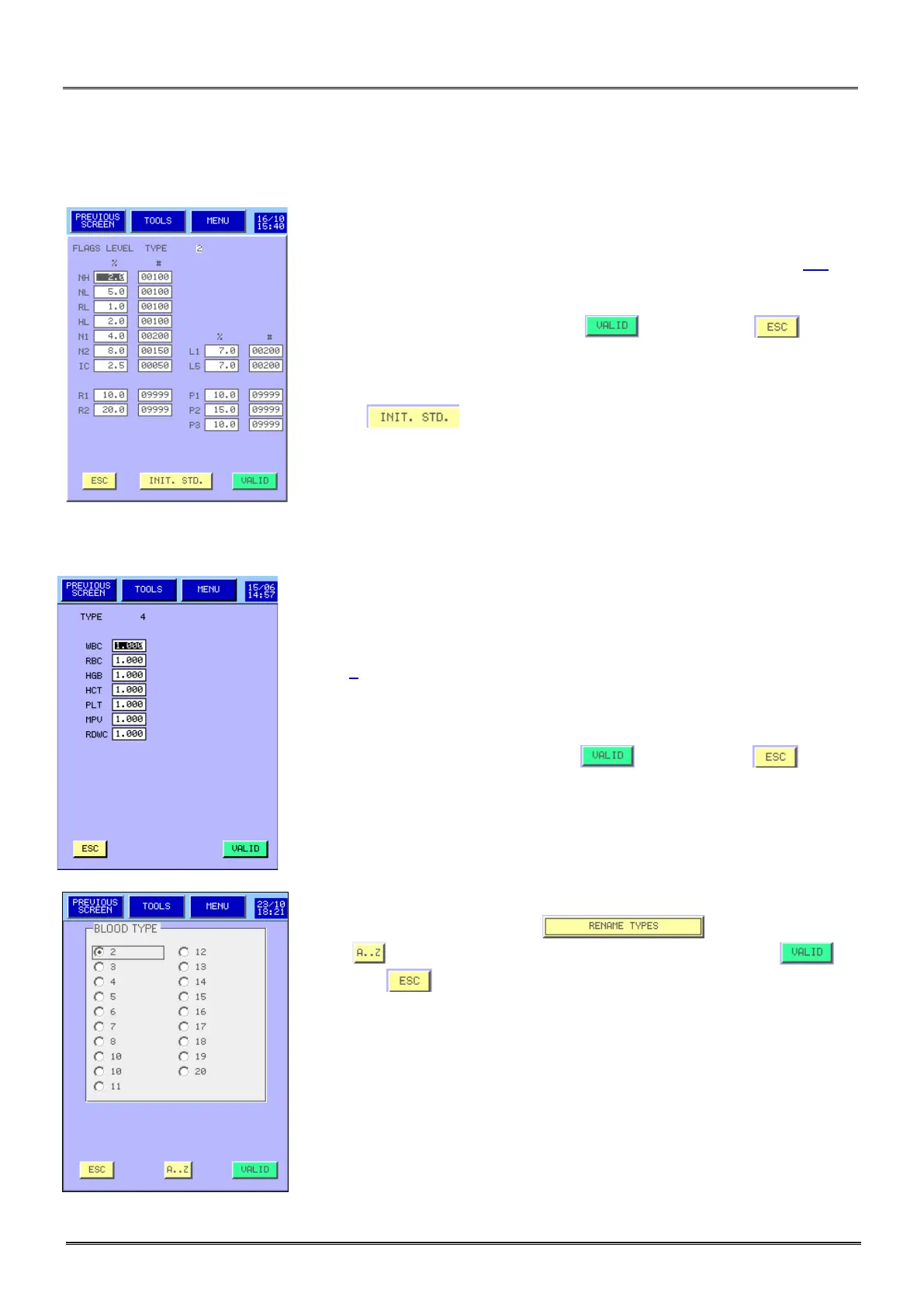
3.4.4.3 Flags level:
- In the Alarm (flag) menu, users can modify the sensitivity of the alarms
for the different cells: WBC, RBC, PLT and differential (See section 8.5).
- Once modifications are done, press to validate or to exit
without any modification.
- Press to return to the parameter setting of the standard
type.
3.4.4.4 Correction factors:
- In this menu, for each blood type, users can define a correction factor
which is multiplied by the calibration factor given by a normal calibration (see
section 7).
- Once modifications are done, press to validate or to exit
without any modification.
To rename a blood type press then select it then
press to accede at the alphabetic keyboard then press to
validate or to exit without any modification.



 To Next Page