Copyright© Orphée SA. All Rights Reserved.
5.10.2 View
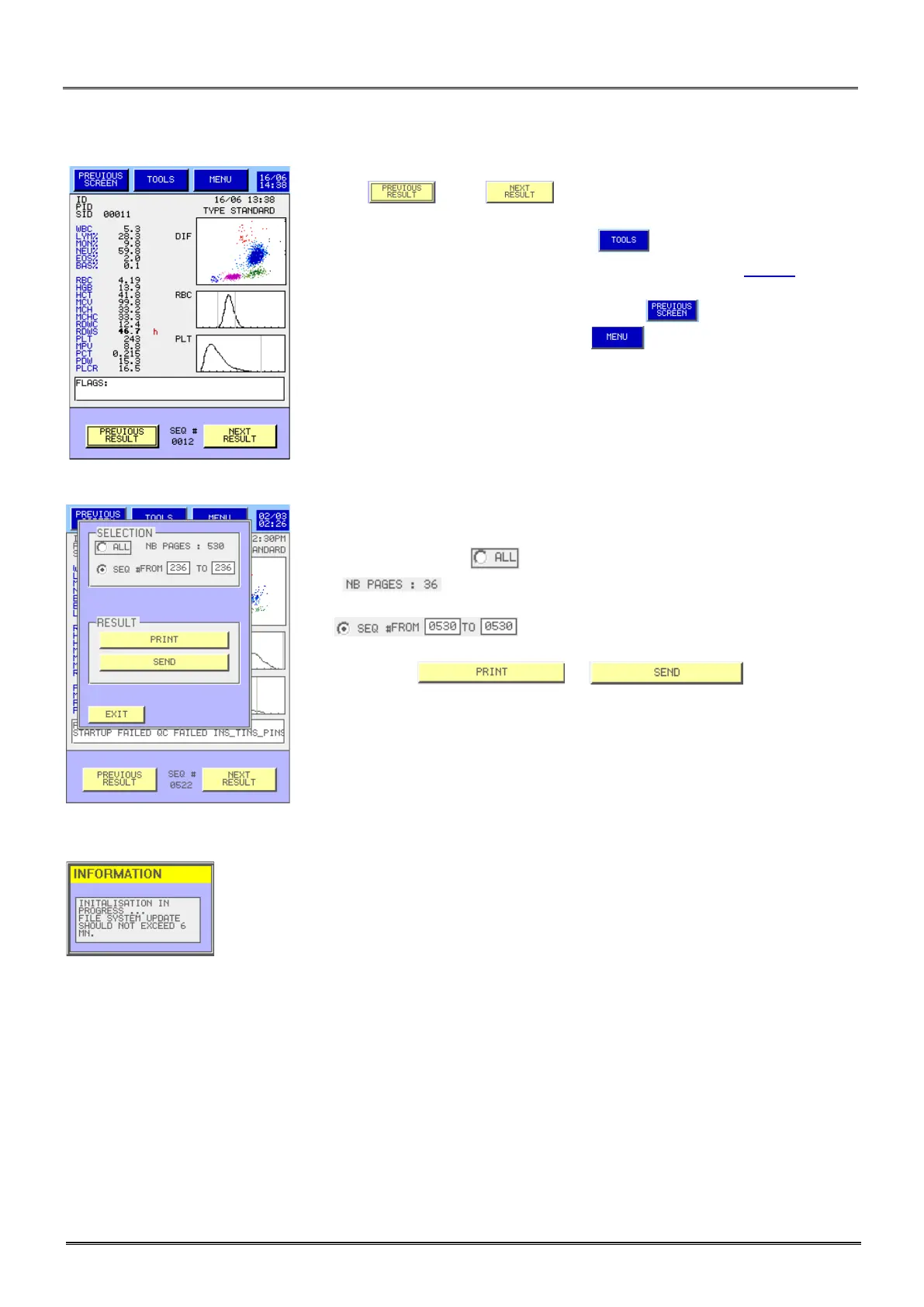
- Keys and allow displaying each result and its
identification.
- To print, send or delete a result, press .
- The effects of the TOOLS key are as described in section 5.10.1.
- The printed report is full page with one or two results per page.
- To come back to the archive main page, press .
- To come back to the Main Menu press .
- It is possible to print or send:
. All results: Press
. for printing.
. Selected results: Select the first and the last results:
.
- Then press on or .
This message appears when you exit the result screens and it could stay up to 6 min to
enable the update of all the files.



 To Next Page