Copyright© Orphée SA. All Rights Reserved.
5. SAMPLE ANALYSIS
5.1 VERIFICATIONS BEFORE STARTING
Before starting MYTHIC 22, we recommend to check the reagent levels in each bottle and the level of the
waste container. Please also check the paper quantity in the printer.
5.2 START UP
- Press ON/OFF button on the printer to start.
- Switch on the power supply (the power supply can stay on).
- Press ON/OFF button on the Mythic.
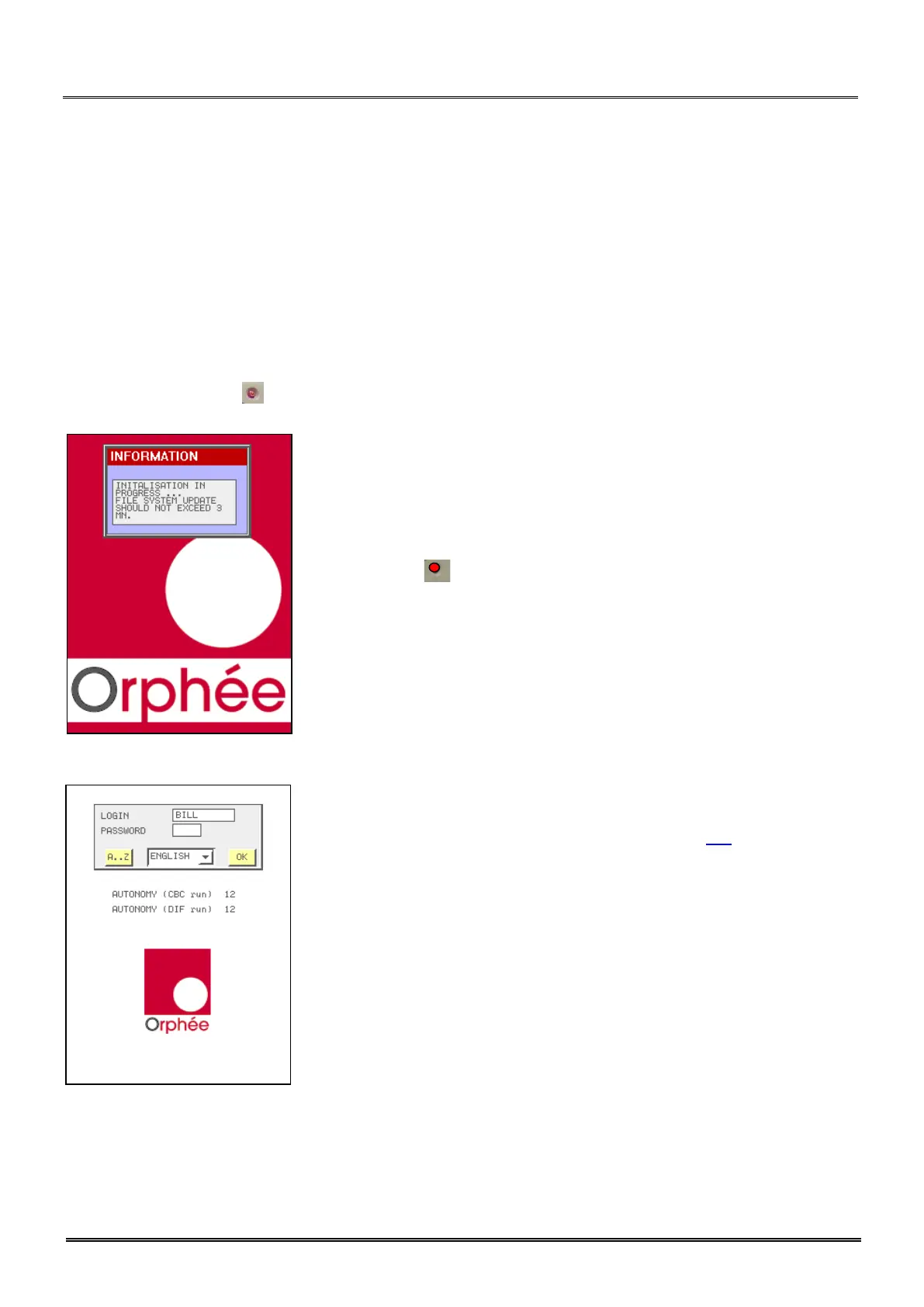
- The initialization menu is displayed and MYTHIC 22 perform a home
position checking for the three motors.
- The cycle LED turns red. None cycle can be performed before it turns
green.
- Enter your login and password as described in section 3.1.
- AUTONOMY (run) indicates the number of samples (runs) you can
perform in CBC or DIF mode (calculated with the smaller quantity of
reagents).



 To Next Page