Copyright© Orphée SA. All Rights Reserved.
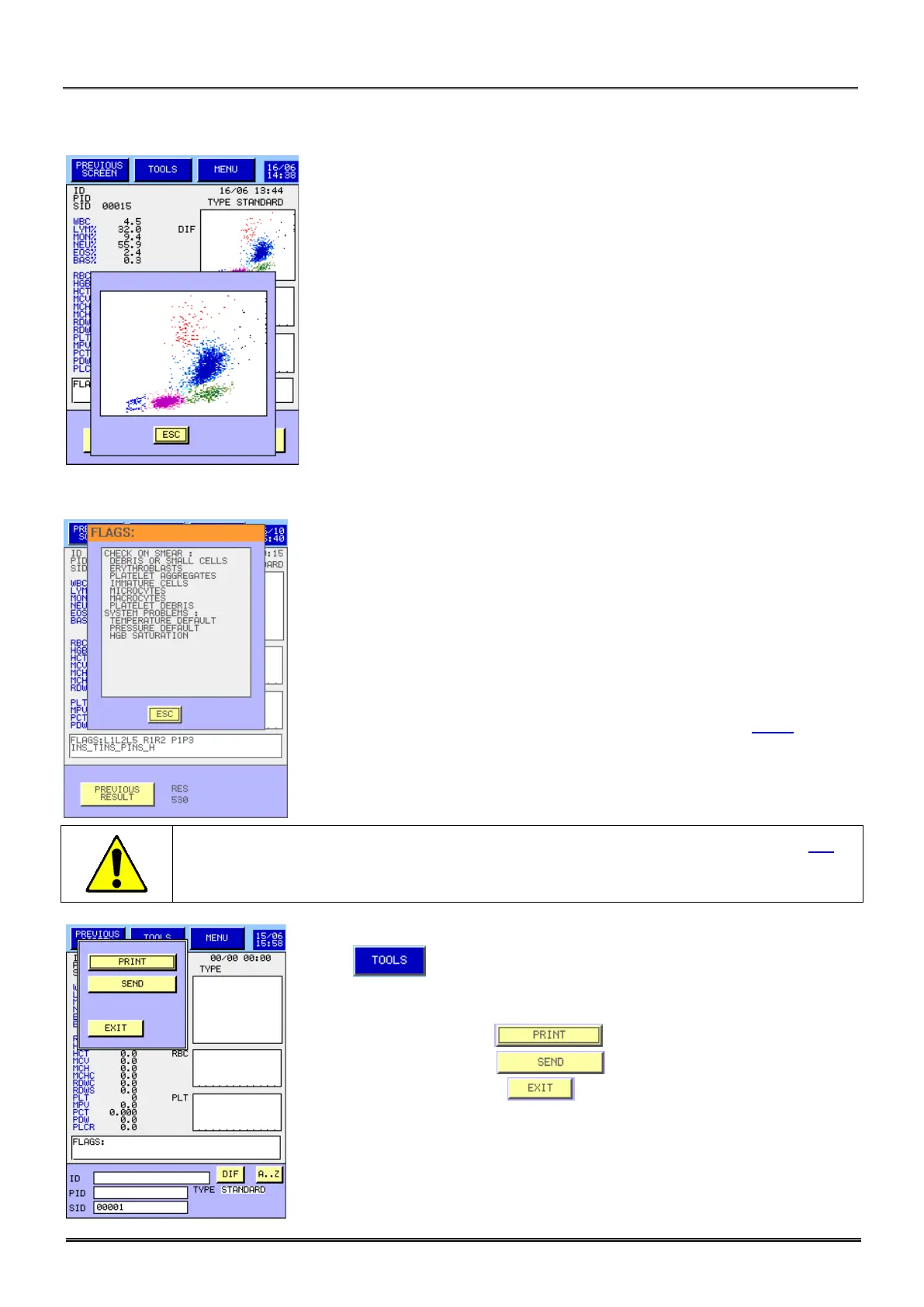
-In DIFF mode Press on the matrix to access to a zoomed view.
- Press on flags window to access detailed flags window.
- In regard of the different flags found by the MYTHIC 22 the upper part
proposes list of the cells to check on the smear.
- The lower part describes instruments messages (see section 8.5.2).
- Press to reprint or to resend the result.
- To print the result press .
- To send the result, press .
- To close the window, press .
- Please note that in case of connection with a host computer, the RDW_SD
and PLCR parameters are not sent by the Mythic unless the NEW
PARAMETERS option is flagged in the COMMUNICATION menu. Contact
your ORPHEE representative for further information.
In any case this proposal is a commitment, it is mandatory to read the section 8.5
understand the flags meaning.



 To Next Page