102
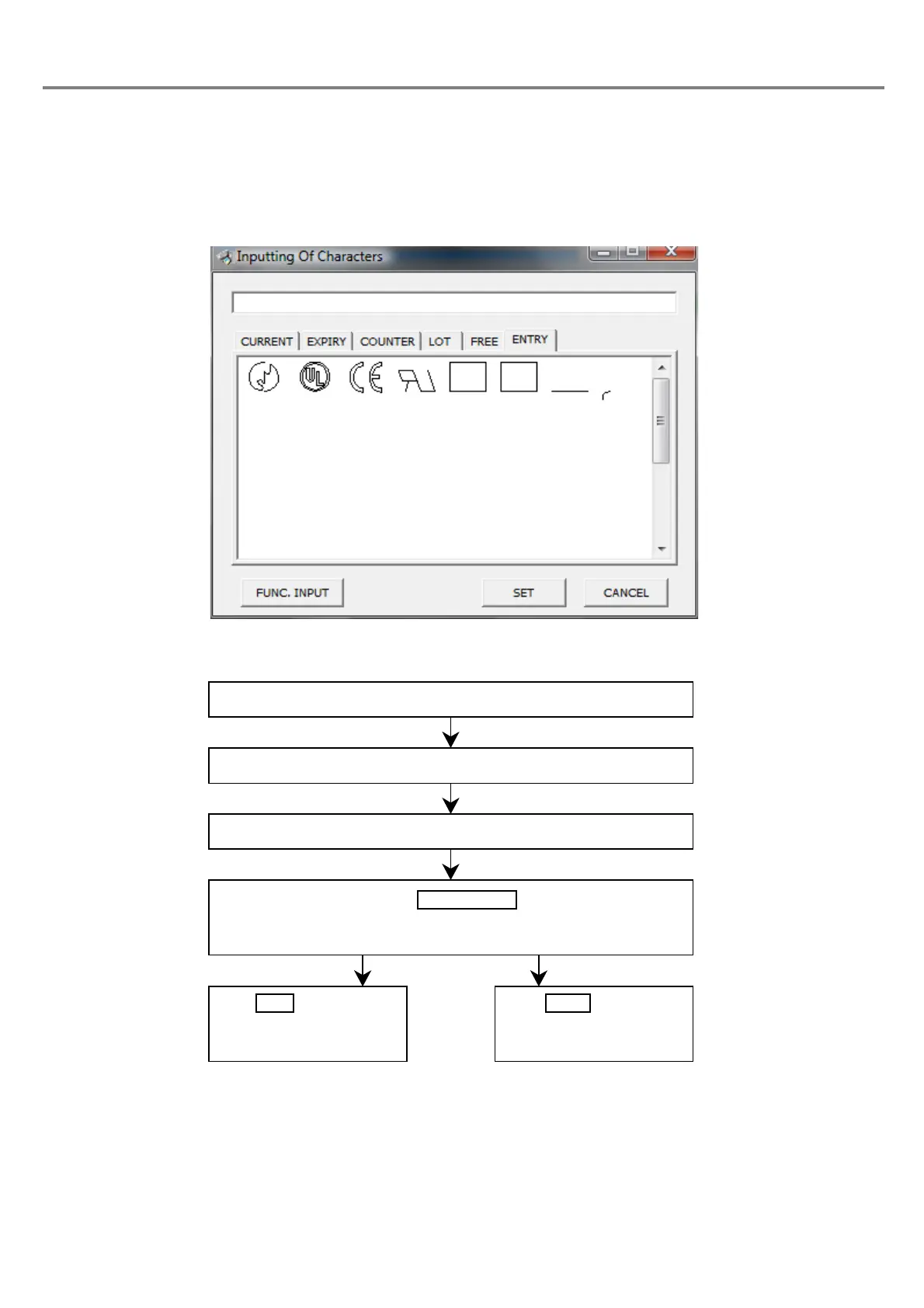
(6) Input registration character
■ Setting Flow
Outline
:
Function for using the registration character registered in the user font.
(In case the registration character is not registered in the user font, nothing is displayed in the list.
In case of using the registration character, it needs to register the character beforehand.)
Click “ENTRY” tab.
The “Input of registration character” dialog box is appeared.
Select the registration character to be input.
Click .
The 3-digit character string beginning with “\” in single-byte is dis-
played in the marking character string field.
Click , save the
character string set, and
close the dialog box.
Click , close the
dialog box, and return to
the previous screen.



 To Next Page