101
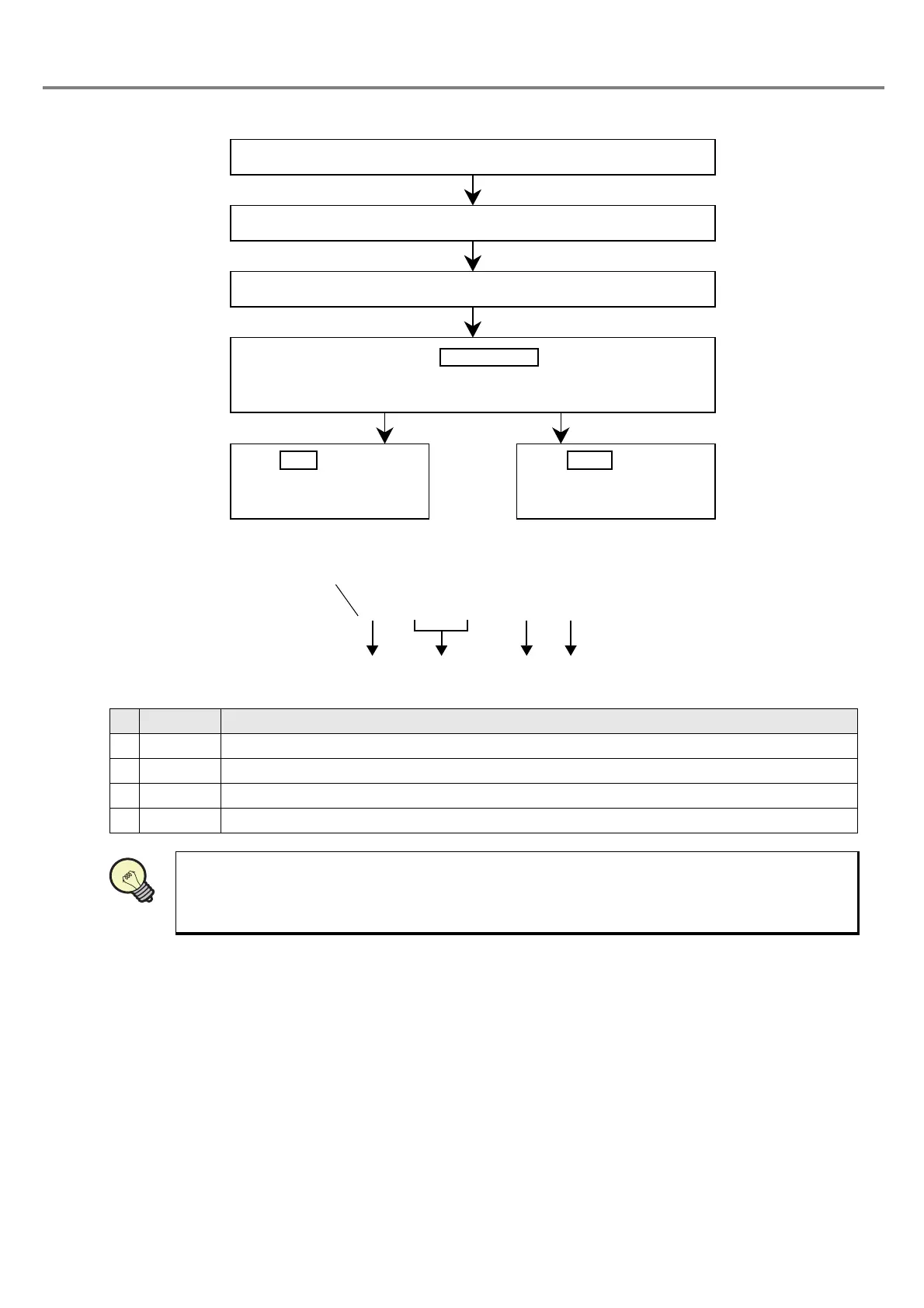
■ Setting Flow
(Display Sample)
Display Description
1 % Indicates the functional character string.
2 ** Indicates the figure (01 to 30) in “**”.
3 A Indicates the function character for optional character string.
4 * “*” is varied in accordance with the character string No. (1 to 4).
The optional character string function is the function for marking the optional character string in
the ASCII code using the RS-232C communication from the external device such as PLC.
Refer
to “4 External Control” (P.155) for details. Also, the image is displayed with “@” in the image display
screen.
Click “FREE” tab.
The “Input of optional character string” dialog box is appeared.
Select “Char. No.” and “Figure”.
Click .
The 7-digit character string beginning with “\” in single-byte is dis-
played in the marking character string field.
Click , save the
character string set, and
close the dialog box.
Click , close the
dialog box, and return to
the previous screen.
REFERENC



 To Next Page