121
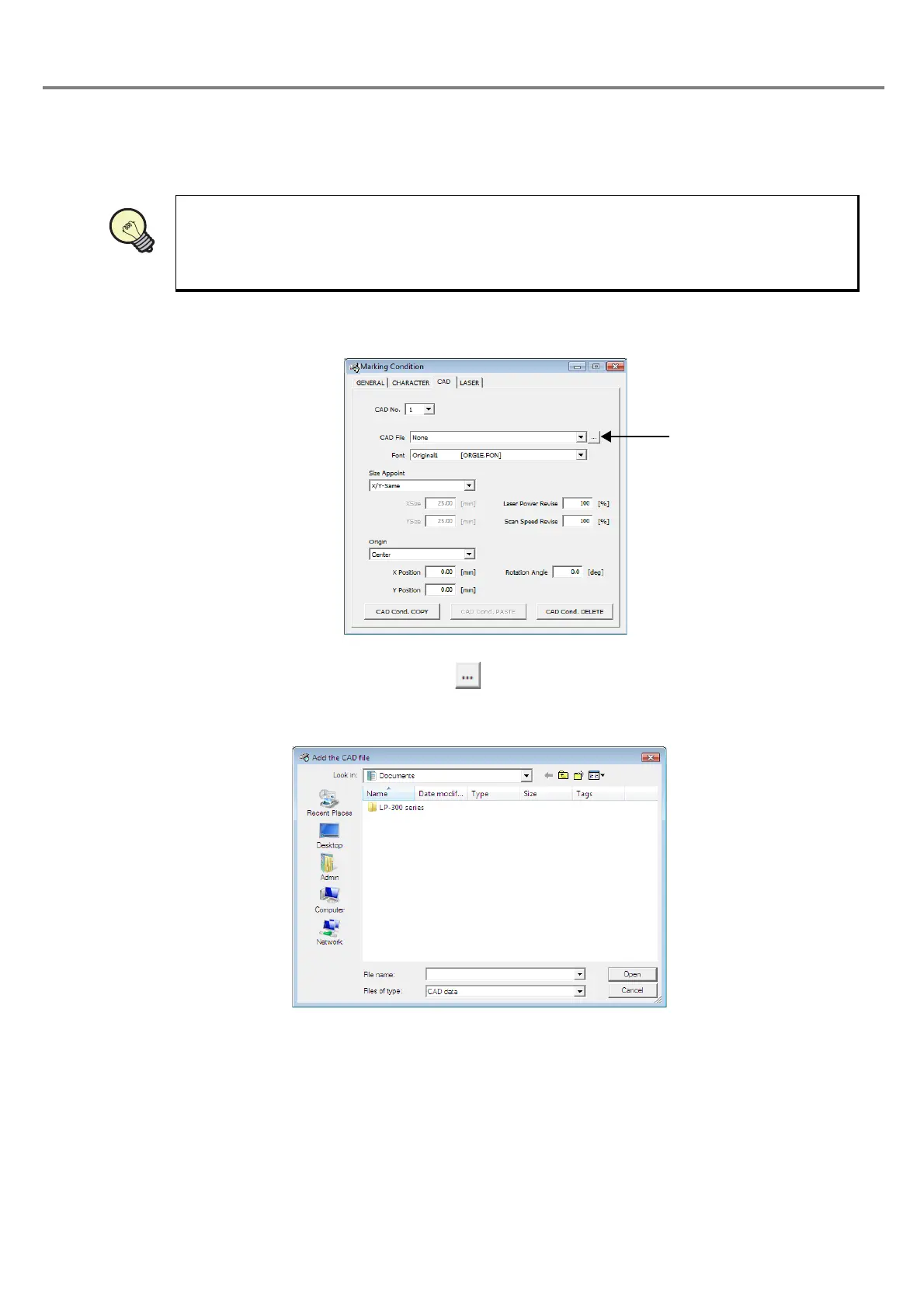
(1) CAD file
This item displays the list of the registered CAD file by clicking the list box. Click the file to be marked (DXF
file) and specify the file. Note that when selecting “None (no CAD setting)”, no CAD file is set.
1. Add the CAD file
The following dialog box is appeared by clicking button on the right of the list box for CAD file. When
selecting the location of the CAD file, the DXF file can be selected.
The selected file is copied to the folder named “Cad” under the folder installed the “PC setting software”.
Refer to “Character Code Table” (P.198) for details of the available CAD file.
REFERENC



 To Next Page