122
(2) Font
When the character is used for each CAD file, select the font for displaying a character by the setting software
and marking by the laser marker from the registered font file.
(3) Size Appoint
This item specifies the method of either converting the read image data with leaving the ratio between the
height and width, or converting the data with specifying both the height and width (regardless of the ratio
between the height and width). The following four types in the list box are available
“X/Y-Same” “X/Y-Appoint”
“X-Appoint” “Y-Appoint”
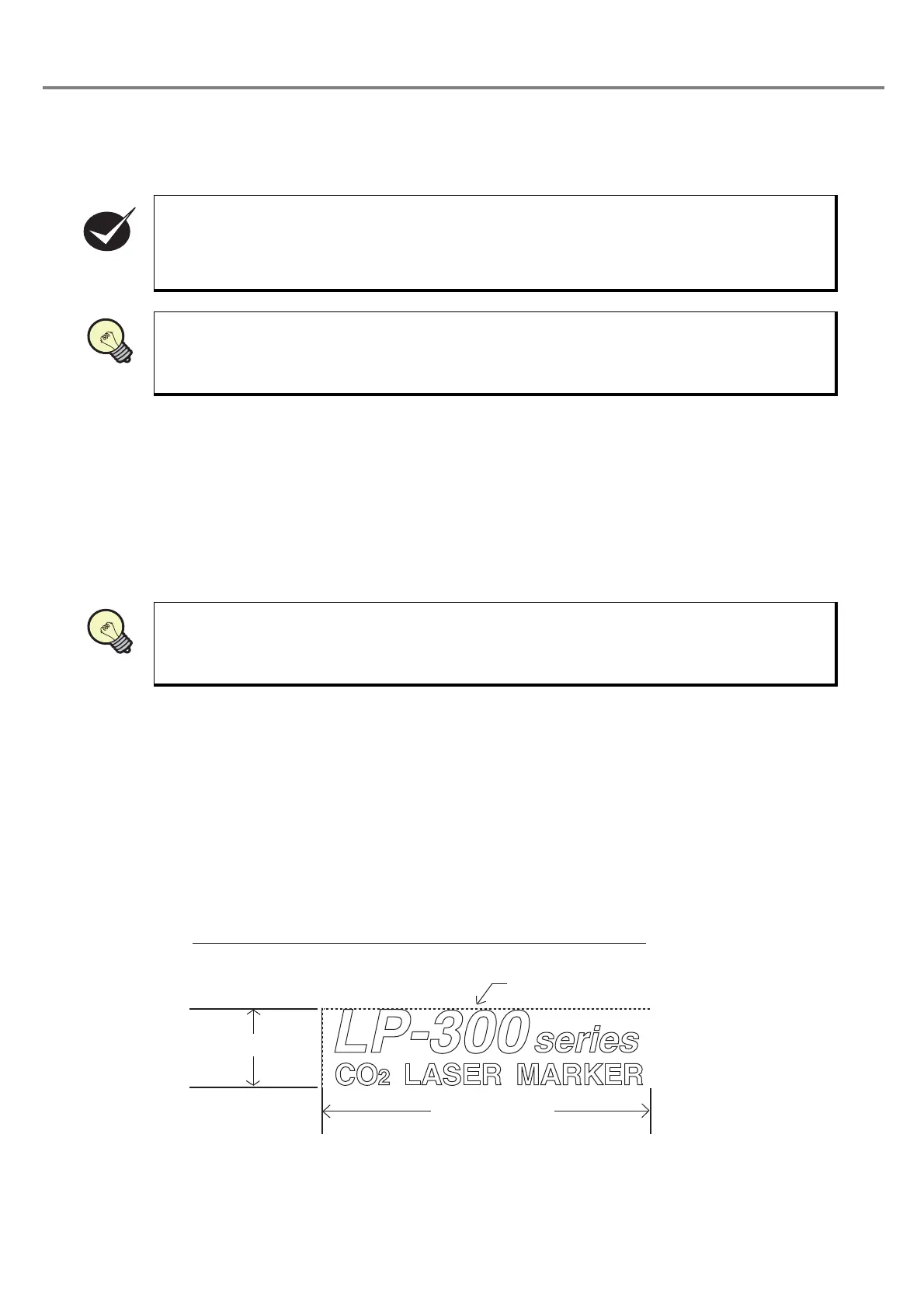
• Length in X axis direction
Specify the size of the horizontal direction of the rectangle to which a converted CAD data are circumscribed.
If “Y-Appoint” or “X/Y-Same” is set in the size specification field, this item is invalid.
Setting range: 0.03 to 50.00mm
• Length in Y axis direction
Specify the size of the vertical direction of the rectangle to which a converted CAD data are circumscribed.
If “X-Appoint” or “X/Y-Same” is set in the size specification field, this item is invalid.
Setting range: 0.03 to 50.00mm
A user font is used for the font file other than alphanumeric characters.
Refer to “3-14-2 Environmental Setting Related to PC” (P.152) for details of the setting method of
the system font.
The “X/Y-Same” means that the size of the graphic of the read-in original CAD data is not
changed.
Length in XAxis
Length in YAxis
Conceptual Diagram of the Respective Length of Y and X Axes
Circumscribed Rectangular



 To Next Page