153
(2) Font File
Select the font file to be used for the character display by the LP-310 setting software and marking by the
laser marker.
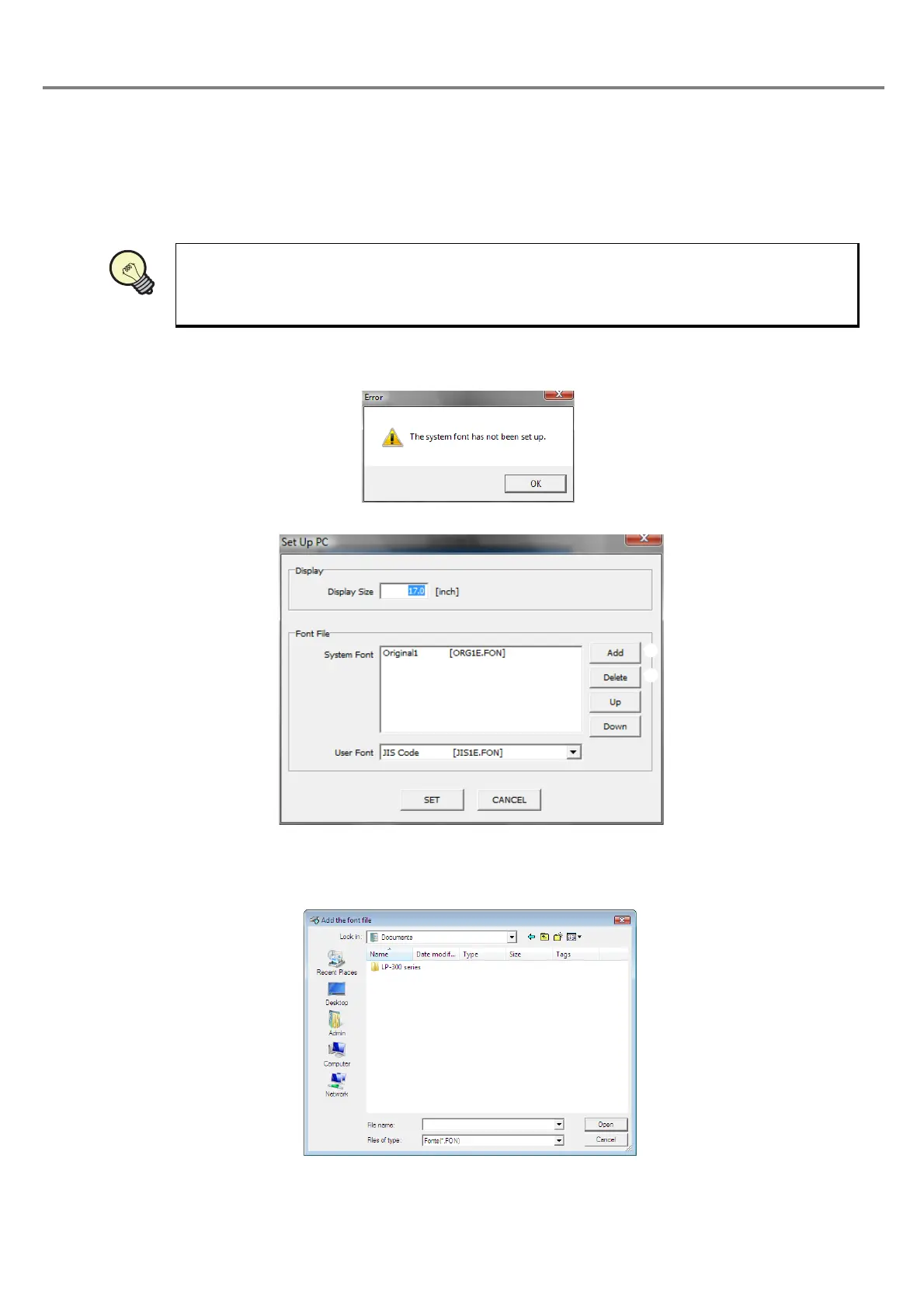
The environmental setting cannot be finished if no font file is registered in the list of the system fonts. The following
error is displayed.
Click “OK” and register at least one system font.
System Font
:
Font to be selected when setting the character condition and CAD condition.
Refer to “Character Code Table” (P.198) for details of the type of the system fonts.
1 “Add” button
:
Adds the font file to the list of the system font.
Since the following dialog box is appeared, select the desired font file to be added.
2 “Delete” button
:
Deletes the font file registered in the list of the system font from the list.
Select the desired font file to be deleted in the list, and click “Delete” button.
REFERENC



 To Next Page