29
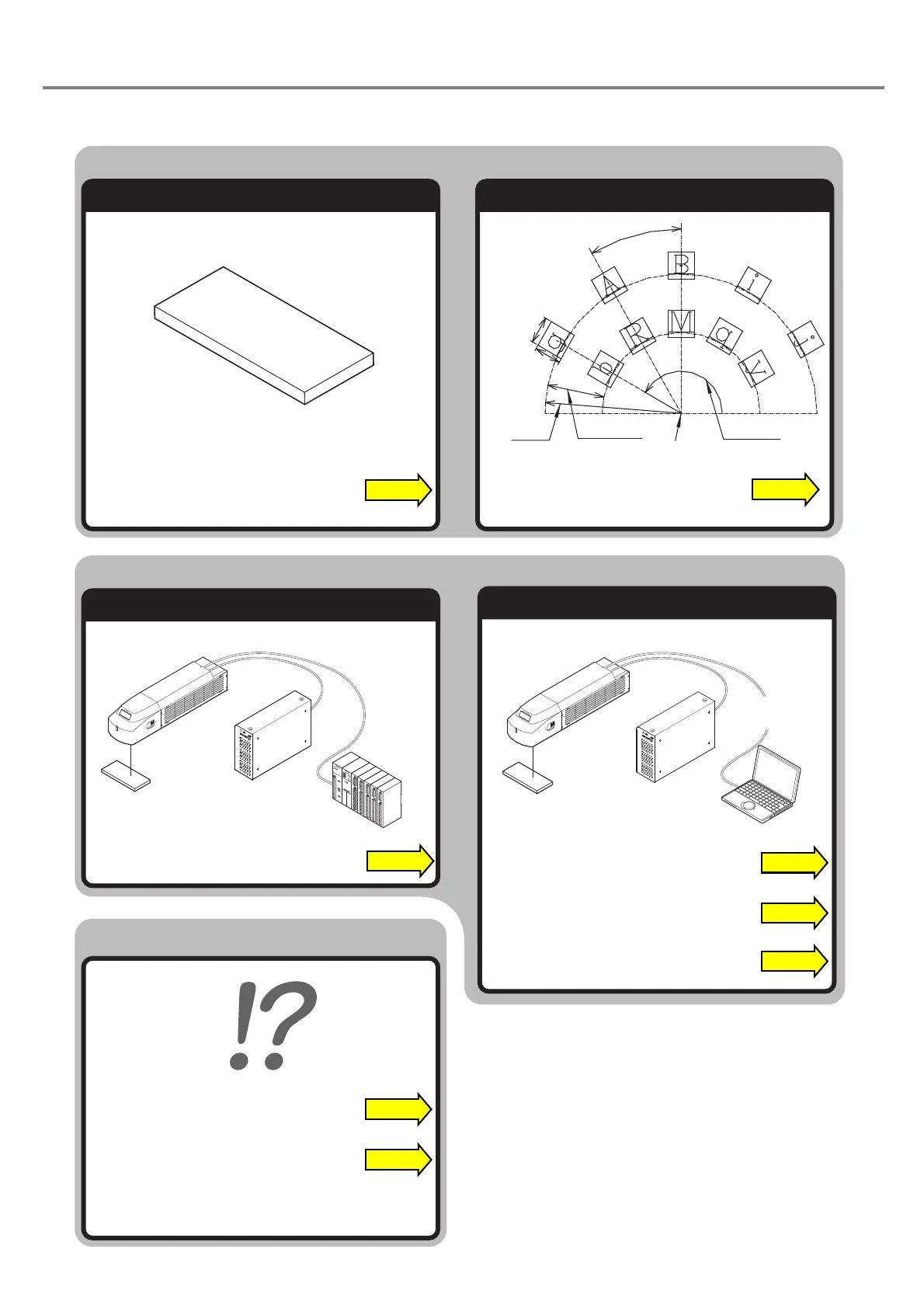
Control by I/O
Control by RS-232C
When in Trouble...
Control Laser Marker From External Device
Marking
Mark Logo Set Character Condition
Center Position (X, Y)
Character
Height
Start
Radius
Line Interval
Radius
Character
Width
Character Interval
Angle
Start Angle
“Troubleshooting” P.188
“Measures for Indicated Error” P.189
“Control Through I/O Connector” P.156
“CAD Condition” P.120
“Character Condition” P.115
“Control with RS-232C” P.166
“Communication Command and Function” P.180
“Details of Commands” P.180
PLC
Personal
Computer



 To Next Page