28
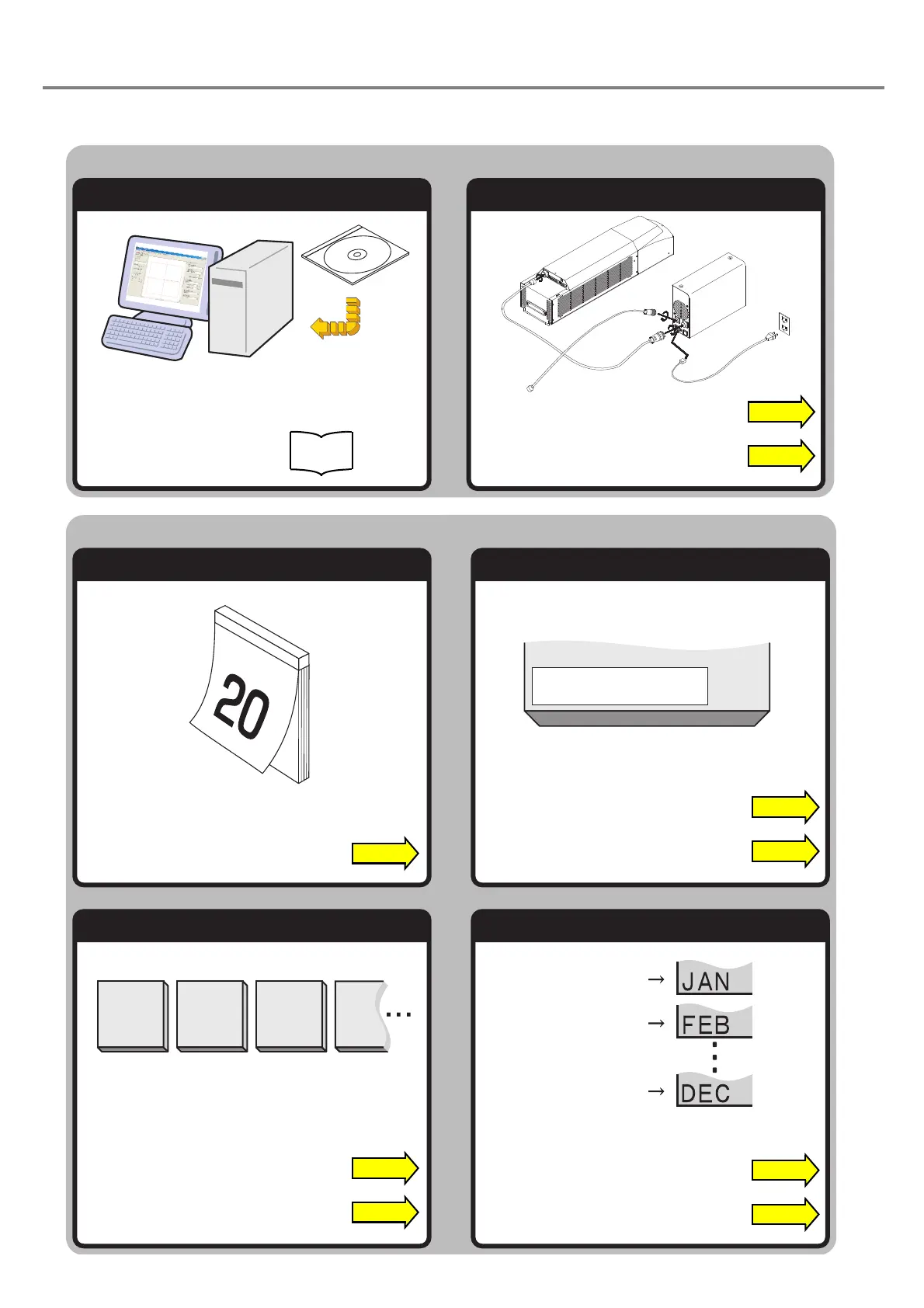
Setup Laser Marker
Install Setting Software Install and Connect
Marking
Mark Date Mark Expiry Date
Mark Counter Mark Lot
“Let’s Try” Contents
The user can refer to the corresponding pages in which the contents of what user “tries to do” are described
using this “Let’s Try” Contents.
2020
.
3
.20.
Expiry DateExpiry Date
January
February
December
“Connecting Laser Marker” P.40
“Setting of Expiry Date Function” P.105
“Input expiry date” P.93
“Input current date” P.90
Install
Installation
Manual
“Setting of Counter Function” P.106
“Input counter” P.96
“Setting of Lot Function” P.107
“Input lot” P.98
“Installation” P.36



 To Next Page