56
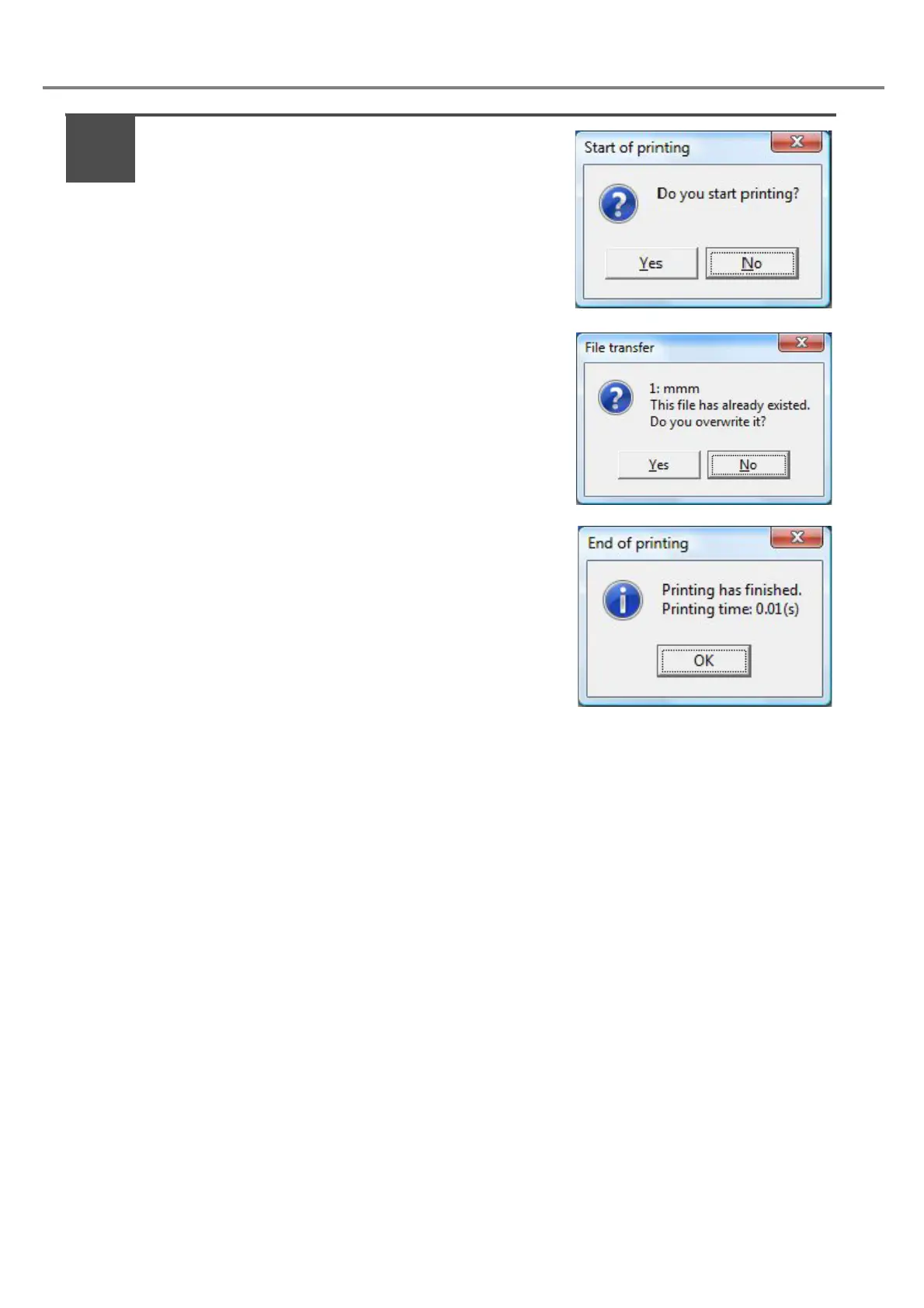
When selecting “Yes” on [Start of printing] dialog box,
the file is transferred to the laser marker, and the
marking is started.
If the file No. under editing on PC is also existed on the
head, the overwriting confirmation dialog box shown in the
right figure is displayed. (If the same file No. is not existed
in the head, the overwriting confirmation dialog box is not
displayed.)
After completing the marking, the “End of printing” dialog box is
displayed. Besides, the marking time is displayed.
9



 To Next Page