All-New Event Presentation Switching Solutions
User Manual
Description
Select Switcher or PGM Only. After a working mode is selected, ✓ appears on the
bottom right, as shown in Figure 6-44.
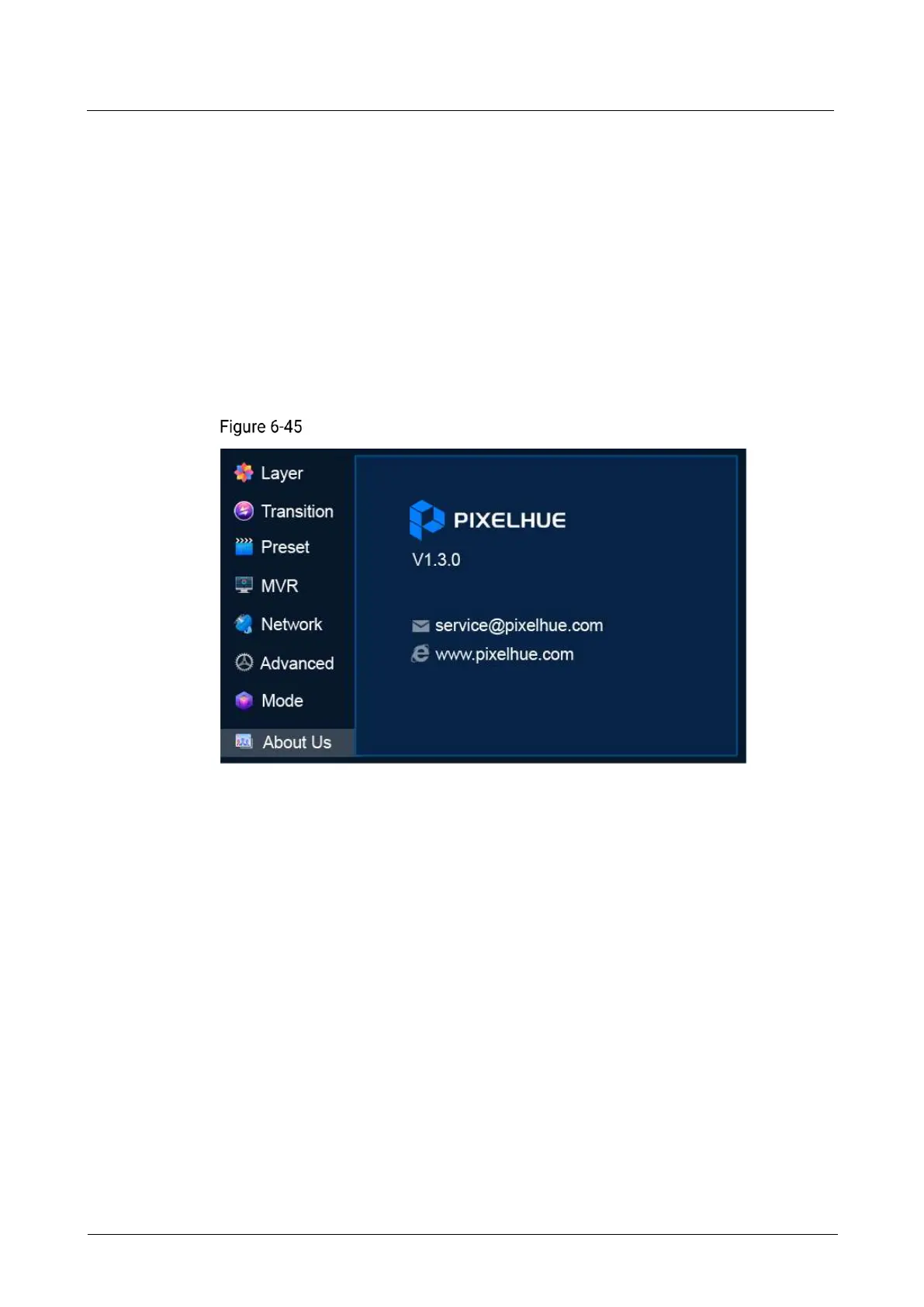
6.1.13 About Us
View the P20/P10 firmware version, the email address and official website of
PIXELHUE.
Menu Orientation
On the main menu screen, scroll to and select About Us.
About us (P20)
6.1.14 Language
Set the display language of the menu. English and Simplified Chinese are available.
Menu Orientation
On the main menu screen, scroll to and select Language.



 To Next Page