All-New Event Presentation Switching Solutions
User Manual
7 Event Management Software PixelFlow
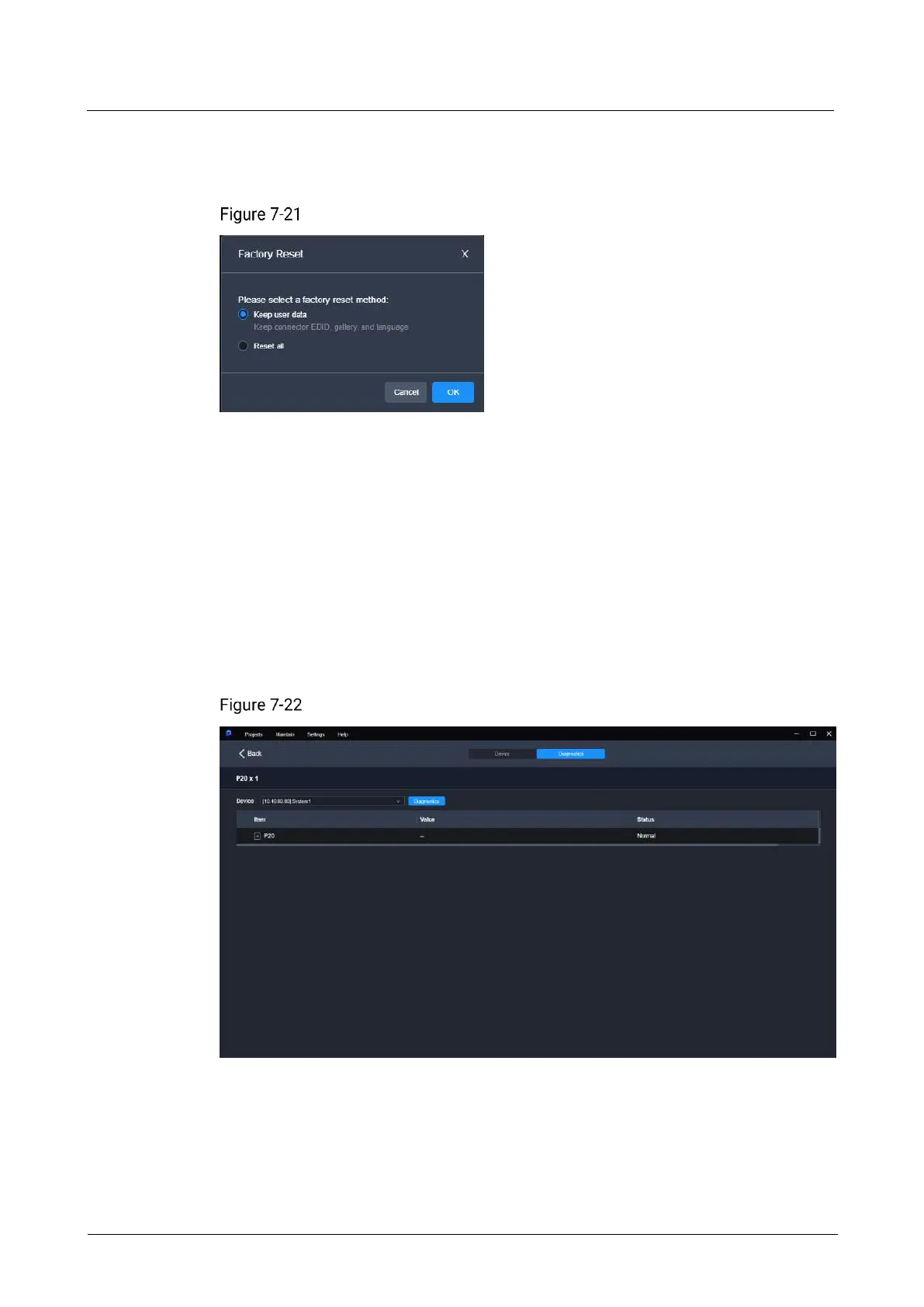
Reset all
Retain the network parameters and project files.
Factory reset
Export Logs
Click Export Log. In the dialog box that appears, select a path and click Save to save
the device logs to local computer.
7.7.2 Device Diagnostics
In the menu bar, select Maintain. Select the Diagnostics tab, select a device from the
drop-down list, and click Diagnostics.
After the diagnostics completes, you can view the test result and take necessary
measures as required.
Device diagnostics



 To Next Page