All-New Event Presentation Switching Solutions
User Manual
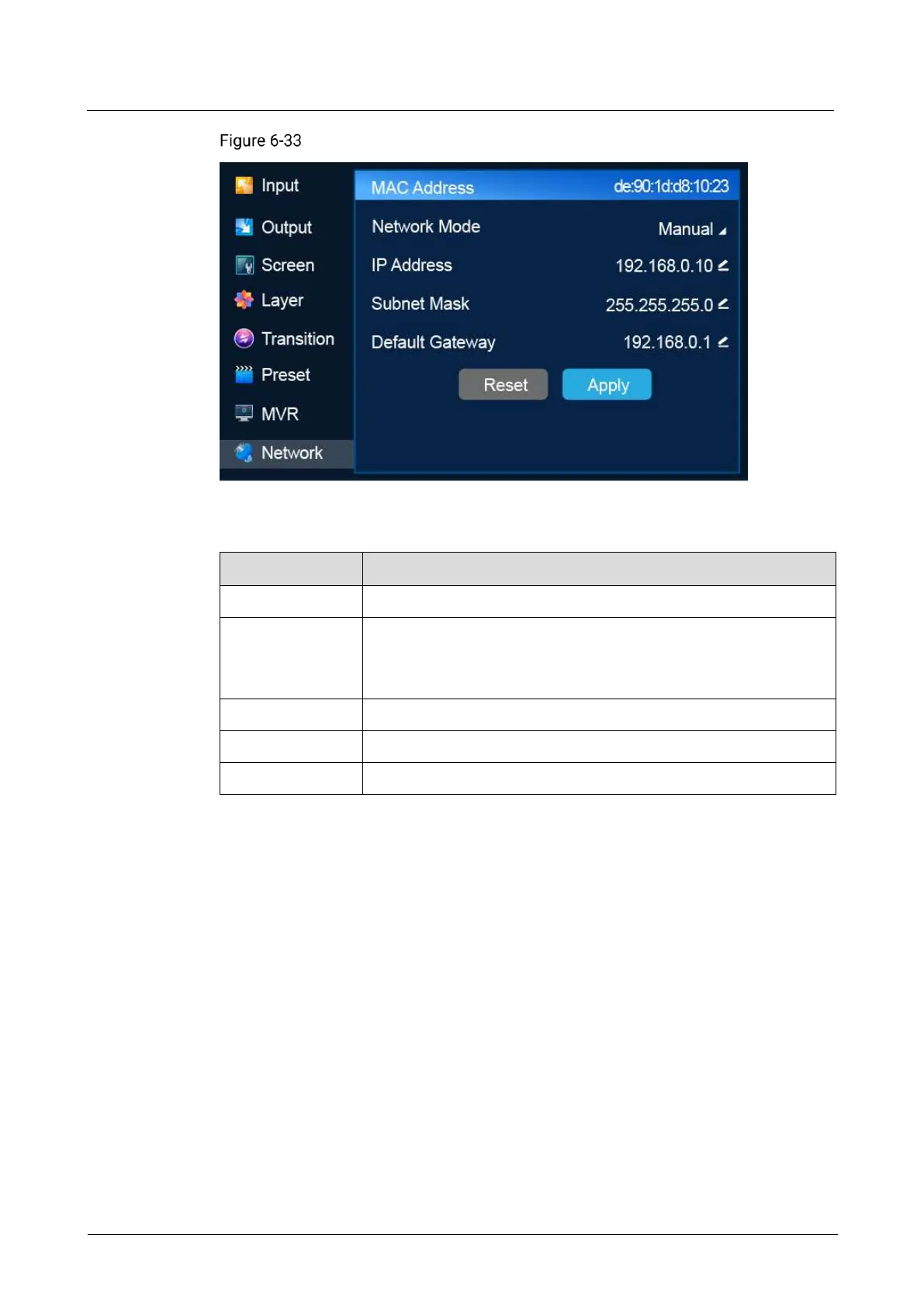
Network settings (P20)
Description
Display the physical address of the device.
Select an IP address configuration method.
Manual: Specify a static IP address for the device manually.
Auto: The device obtains an IP address automatically.
Subnet mask of the device
Default gateway address of the current device
If you want to reset the parameters to their default values, select Reset.
6.1.11 Advanced
The Advanced menu allows you to do the following:
Set Synchronization Signal Source
Set Input Backup
Turn on/off Dynamic Range Conversion
Return to Home
Set Fn Button
Reset to Factory Settings
Run Diagnostics
Import and Export Project Files
Update Firmware
Export Logs



 To Next Page