All-New Event Presentation Switching Solutions
User Manual
7 Event Management Software PixelFlow
Retain the network parameters, project files, EDID files, gallery files and device
language settings.
Reset all
Retain the network parameters and project files.
Shut Down or Restart Device
Shut down the device, or restart the device.
Prerequisites
None
Notes
None
Interface Example (P20)
Description
Click Restart or Shut Down, and then click Yes in the displayed dialog box.
7.3.3 Configure Input Properties
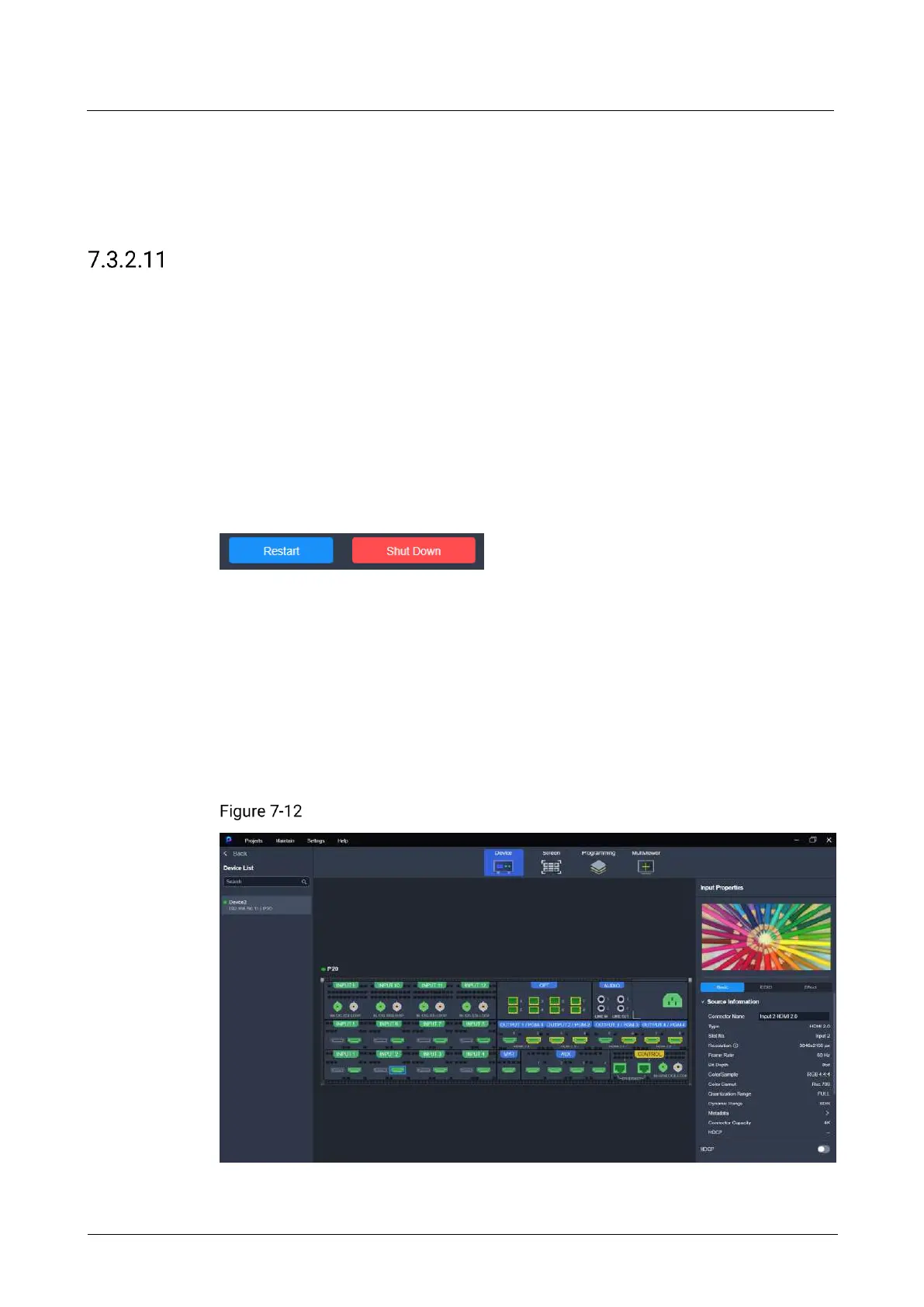
Click the target input connector on the graphical device rear panel (if you need to
configure the card properties, please click the desired card on the rear panel), and
then set the input-related properties in the property area on the right pane.
Input properties (P20)



 To Next Page