All-New Event Presentation Switching Solutions
User Manual
7 Event Management Software PixelFlow
The hue softness of the transition area
The larger the value, the softer the transition.
To remove the overflow from the foreground
image edges and semi-transparent areas
To remove the shadow areas
To remove the highlight areas
Turn on or turn off the function.
: On
: Off
7.5.4 Manage Presets
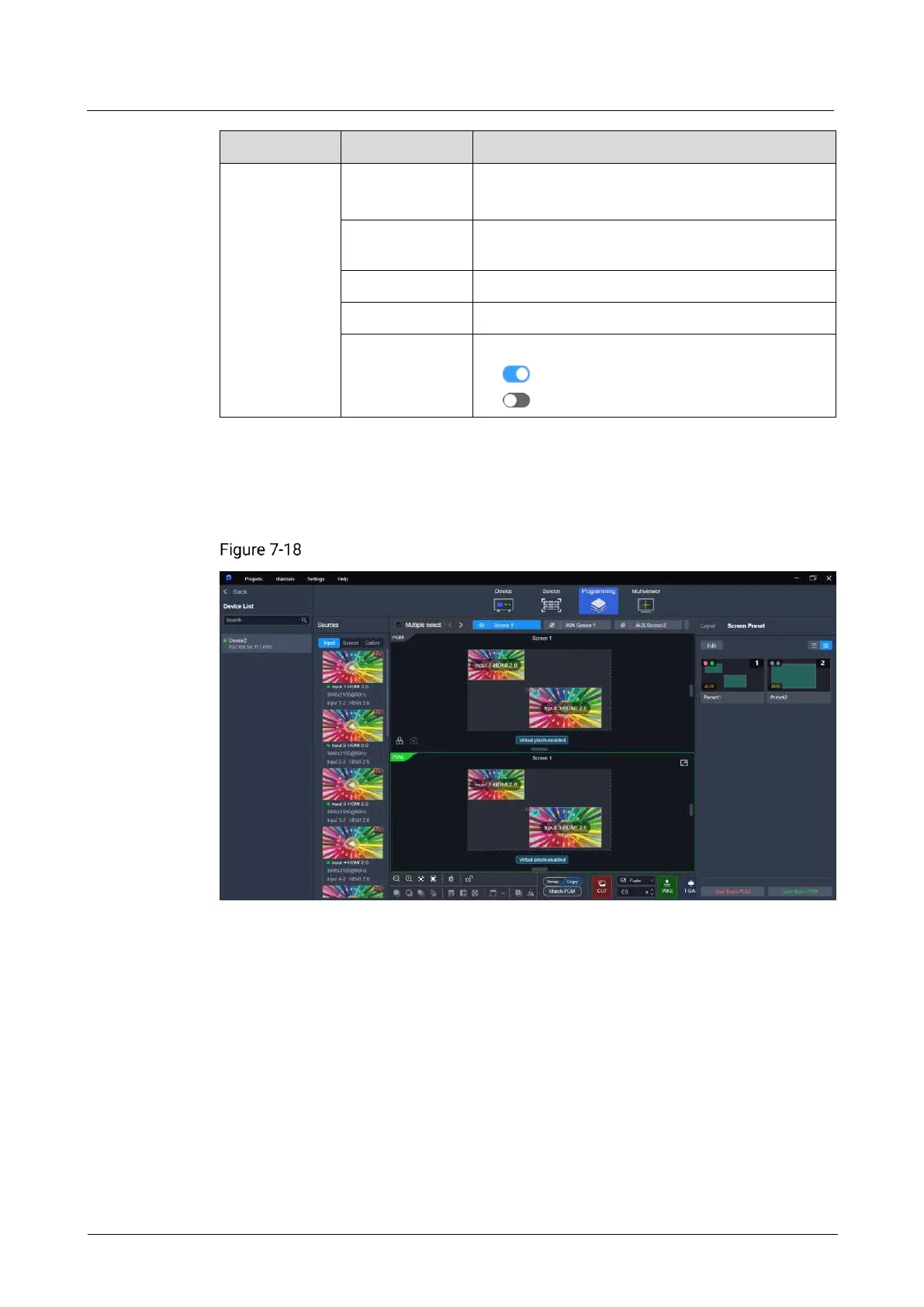
To manage presets, click Screen Preset on the right side of the Programming
interface and perform the corresponding actions as needed.
Preset management (P20)
Save Presets
Click a screen name to select an individual screen, or select Multiple select and click
the desired screens one by one. Then, perform the following actions as required:
Q8:
Click Save from PGM or Save from PVW.
P20 and P10:
In Switcher mode: Click Save from PGM or Save from PVW.
In PGM Only mode: Click Save Preset.



 To Next Page